By Alex Tanoa · Updated
Photography & Imaging
H2 Glow UGC Content Engine
One product reference guides UGC scenes across four camera angles.
Best for: Consumer brands, wellness products, beauty brands, and UGC-led social campaigns
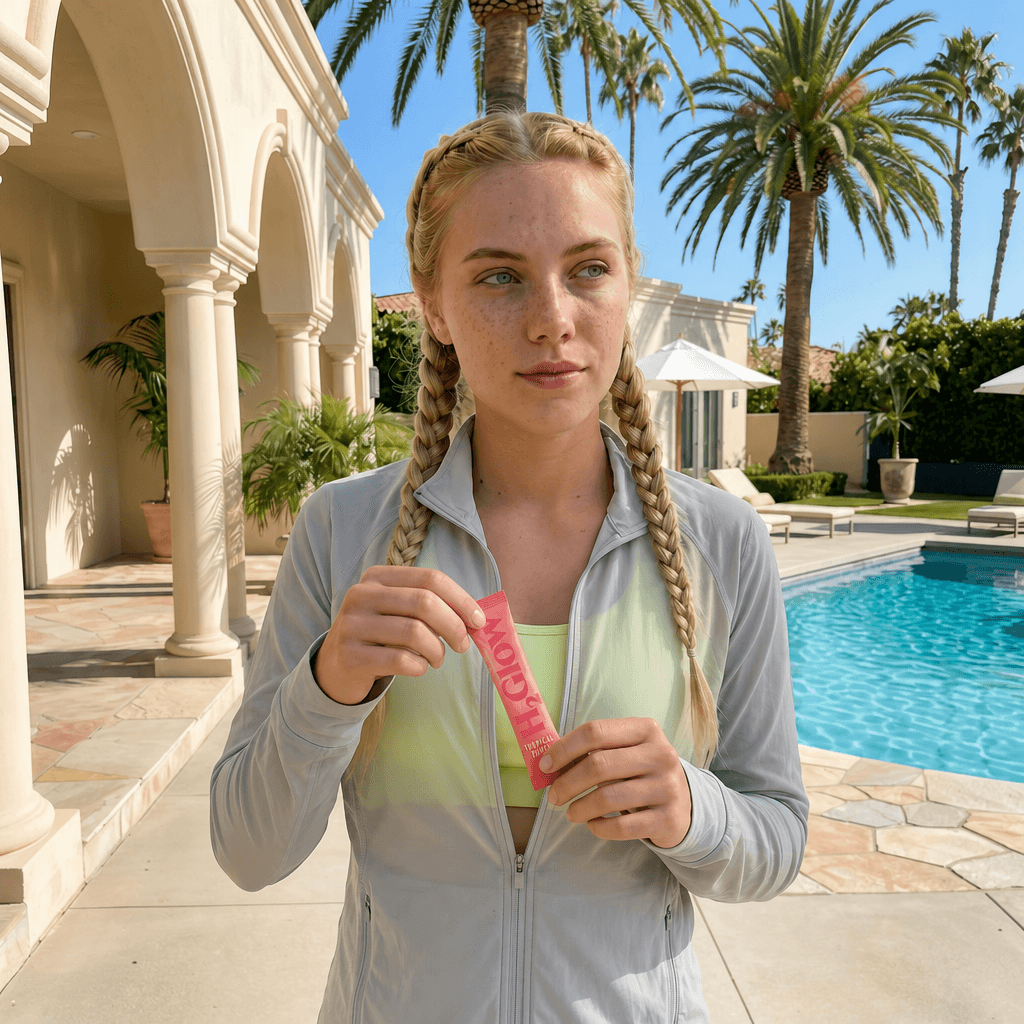
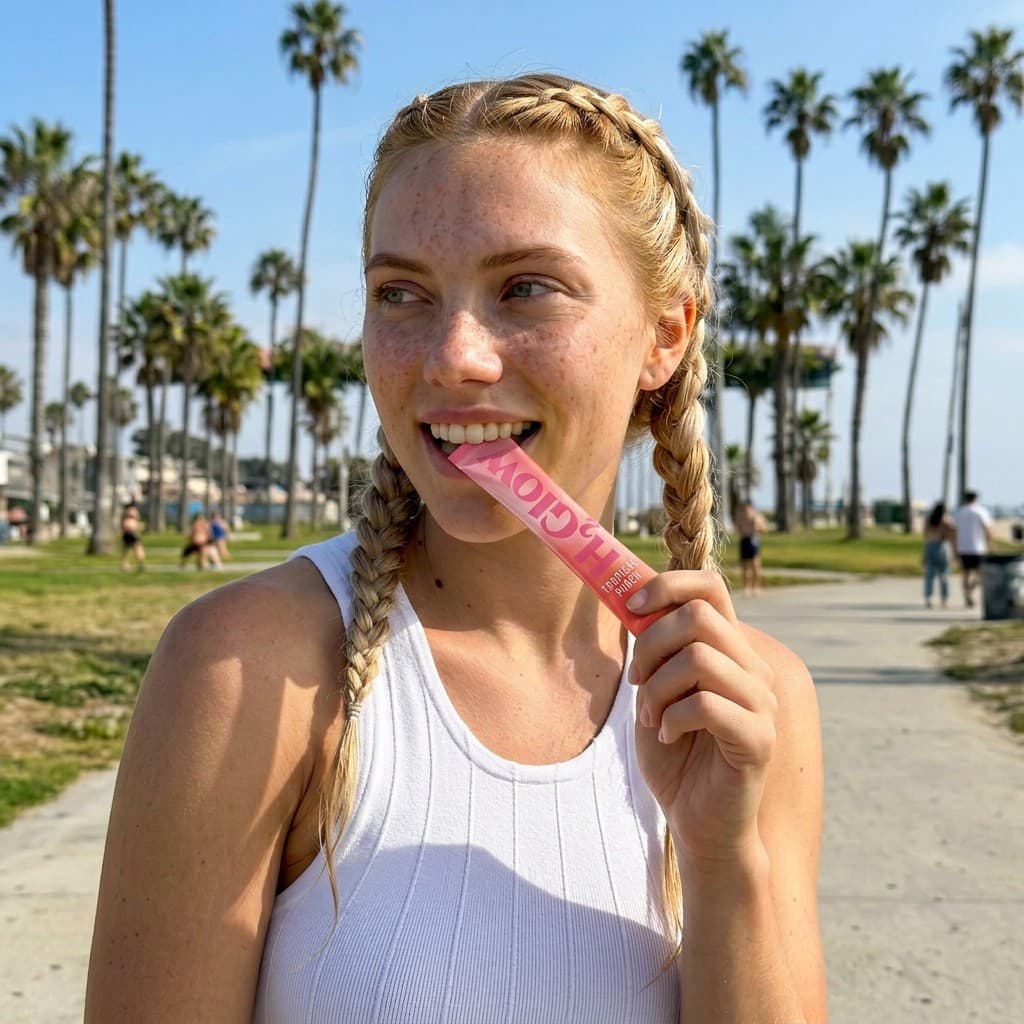
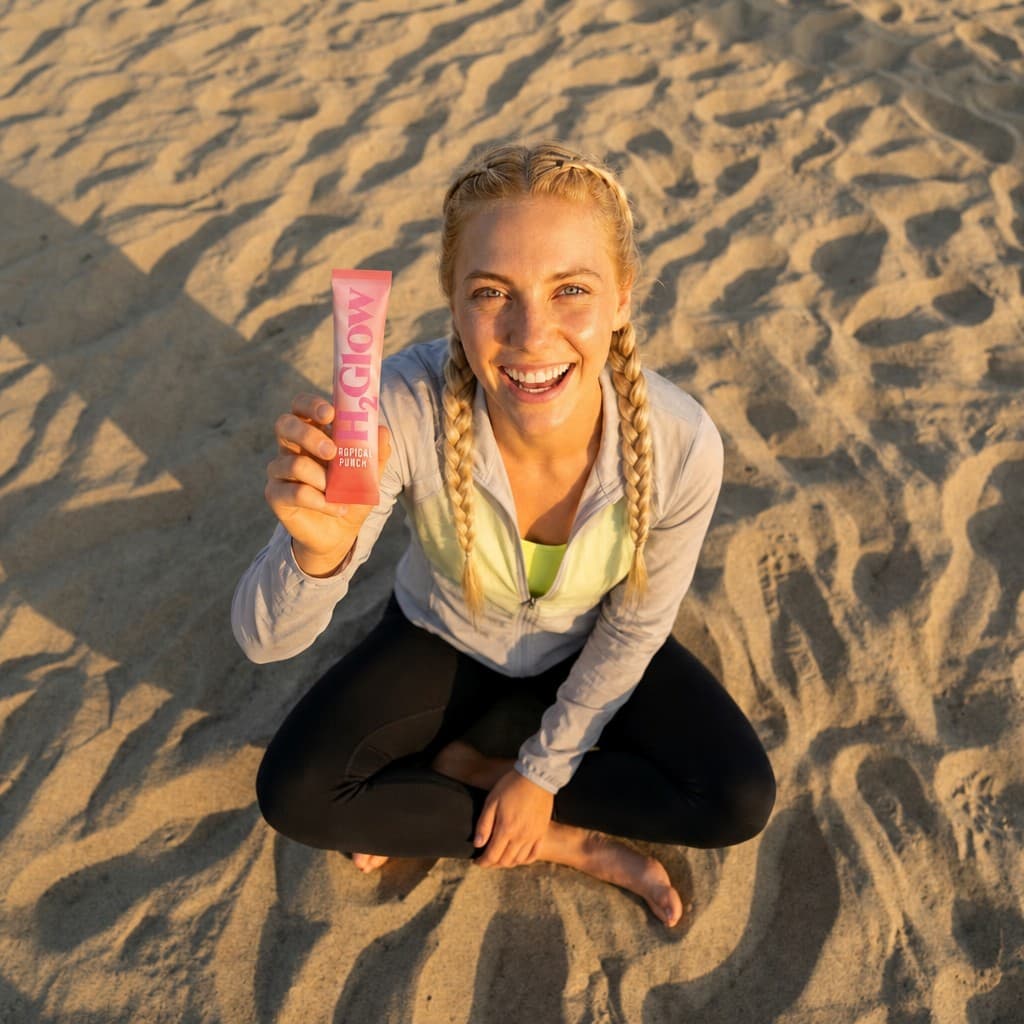
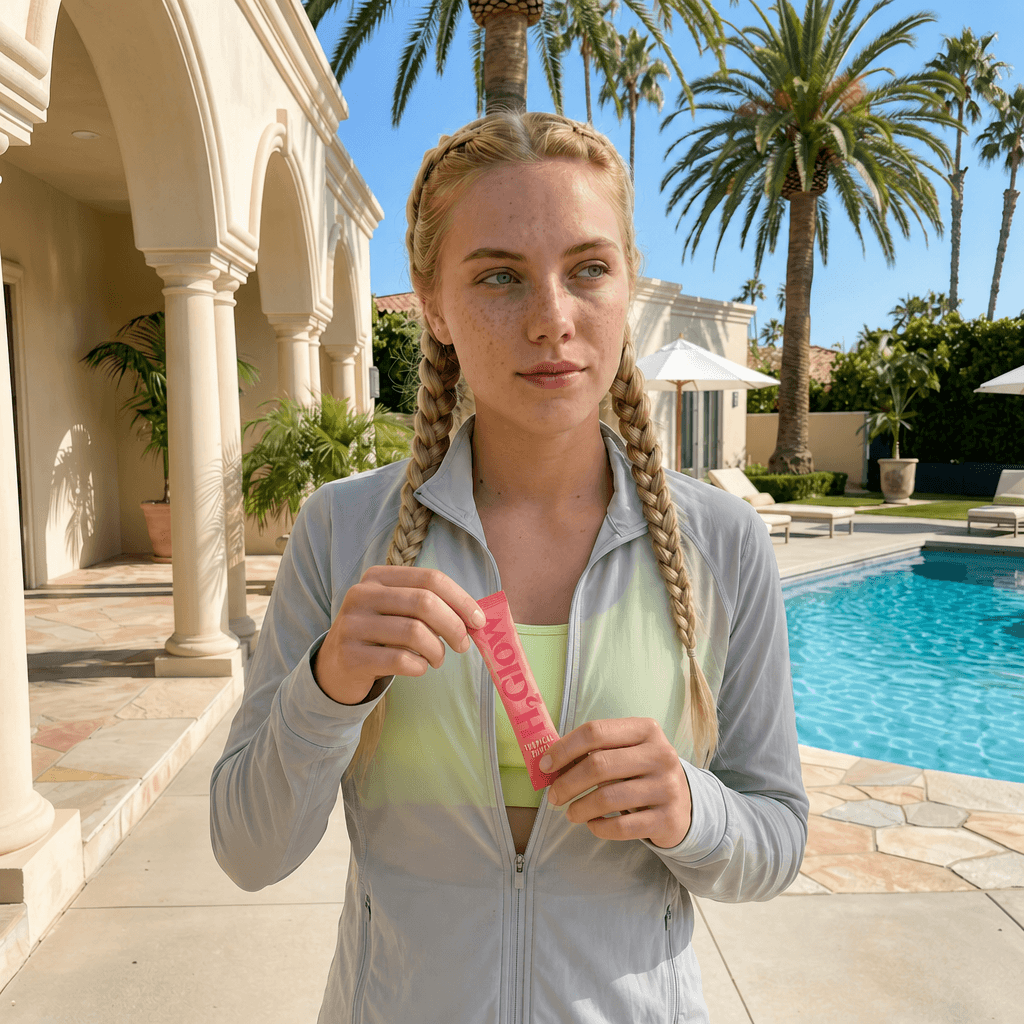
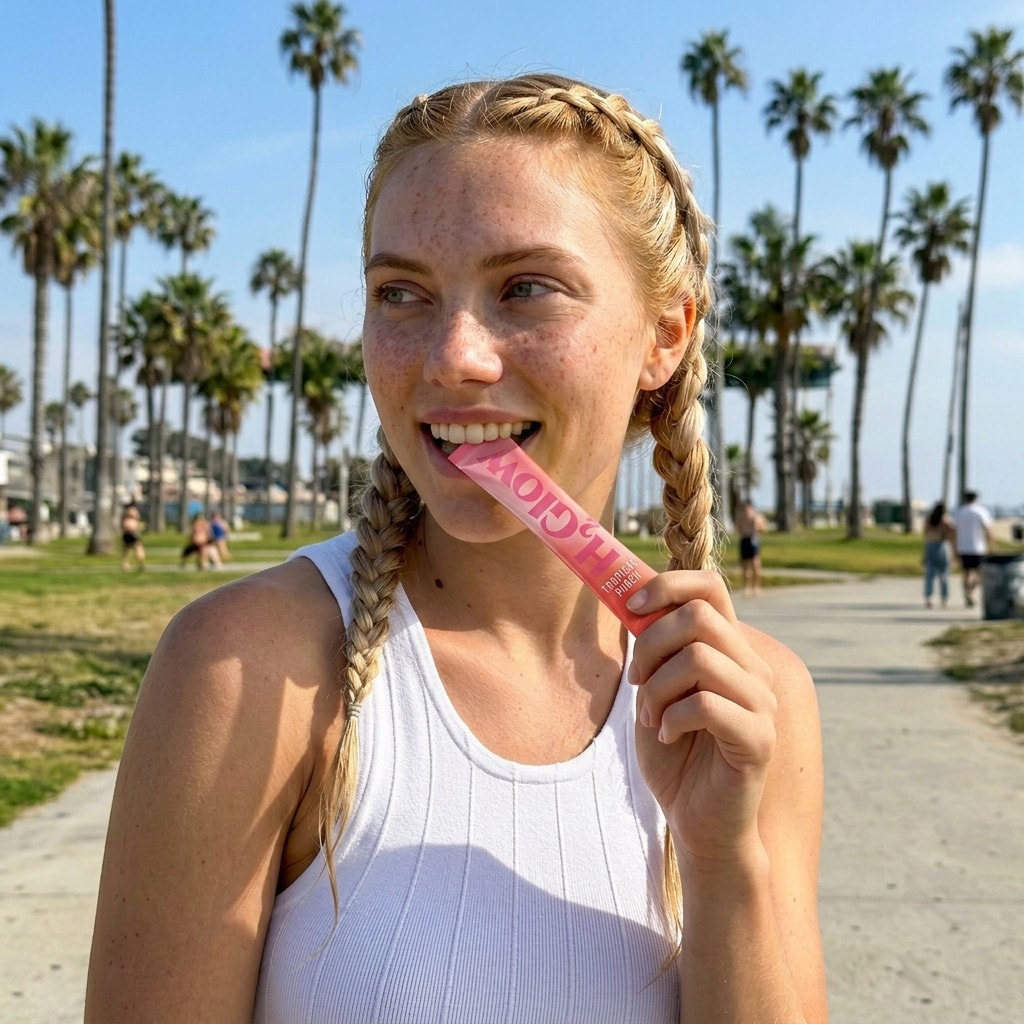
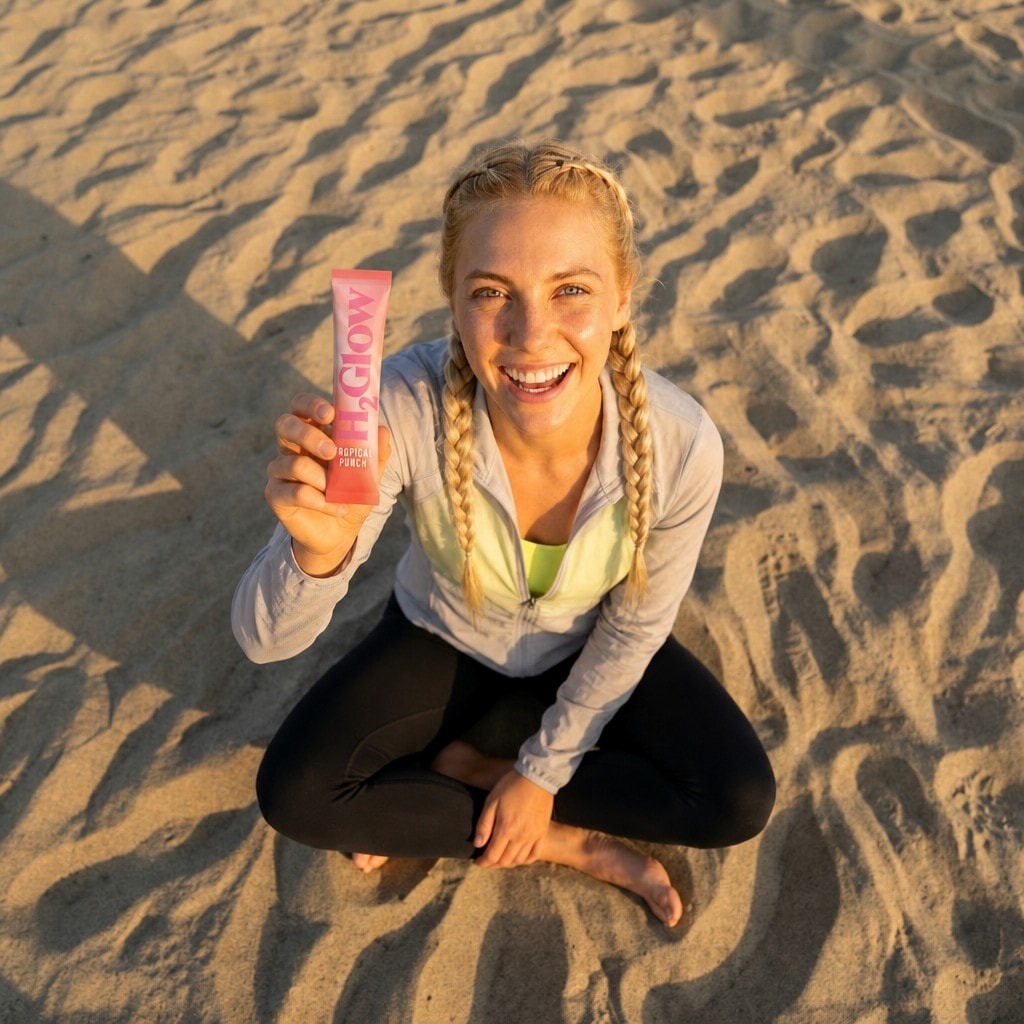
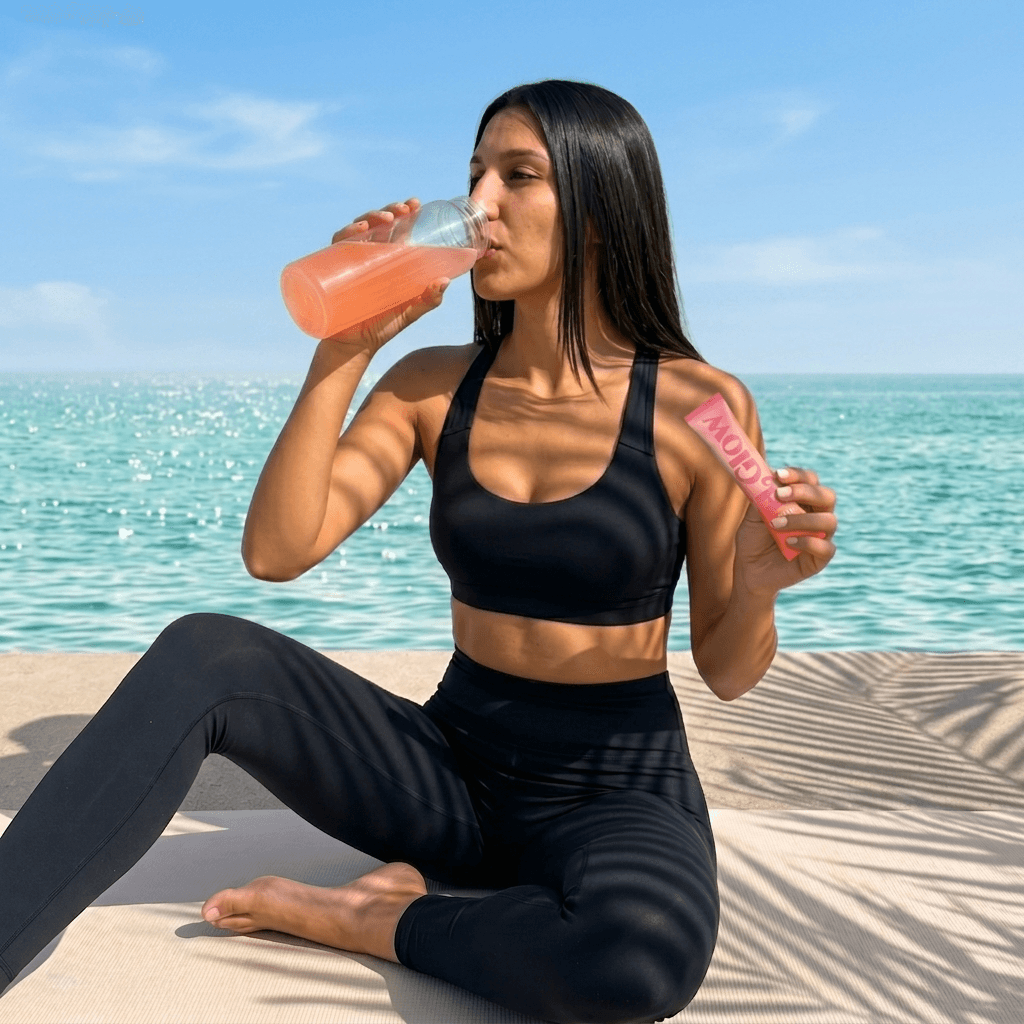
Turn a product reference into authentic-looking smartphone UGC. The H2 Glow flow uses product, character, pose, and environment references to guide scene generation, then refines Dutch-angle, worm's-eye, low-angle, and bird's-eye images with product integration.
What you provide
- Product reference image
- Character and pose references
- Environment moodboard
- Location and scene direction
What you get back
- Four refined UGC lifestyle images across Dutch, worm's-eye, low, and bird's-eye angles
- Product branding, scale, hand occlusion, lighting, and shadows preserved through the swap
- Square social-ready outputs for creative testing
Output examples
The hero previews this set. Here, each image is shown at full size.
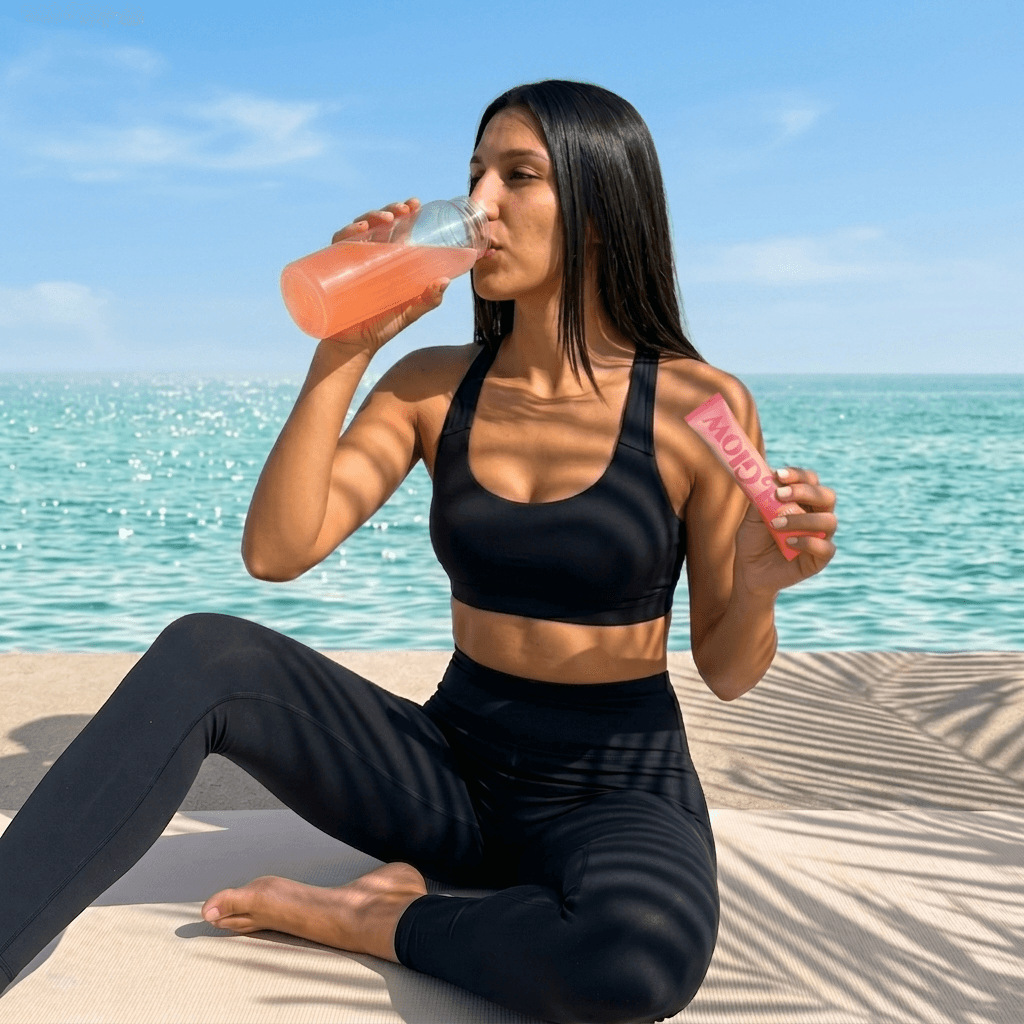
- Beach product scene
- Poolside product scene
- Close-up beach scene
- Overhead beach scene
How it works
Product reference image · Character and pose references · Environment moodboard
Your brand rules, palette, product facts, and approved references — applied to every prompt in the run.
- 01Product and Character Lock
- 02UGC Scene Generation
- 03Product Swap
- 04Four-Angle Refinement
Gemini 3 Flash · Nano Banana 2 · GPT Image 2
Automated evaluation pass against the brief.
Final output requires human approval before delivery.
Four refined UGC lifestyle images across Dutch, worm's-eye, low, and bird's-eye angles
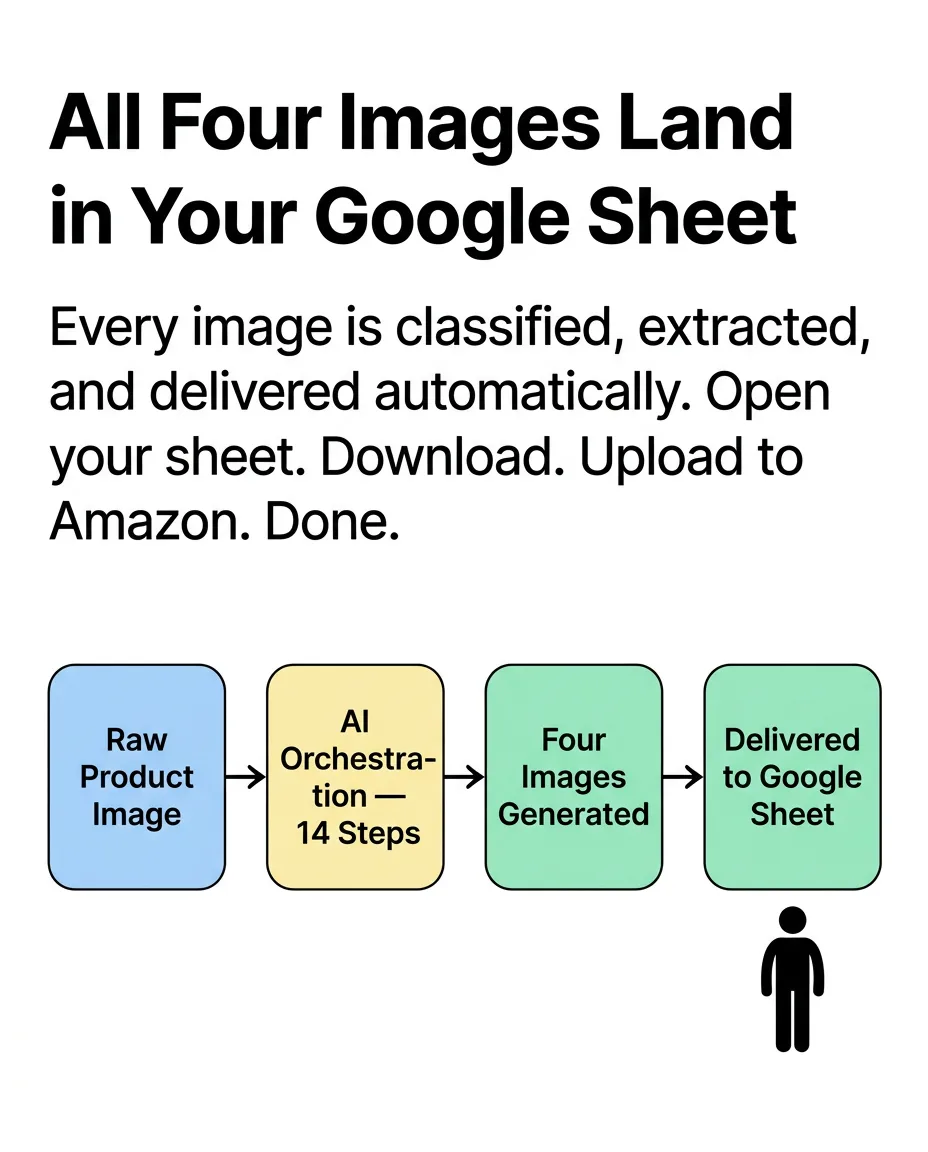
The path from supplied inputs to delivered output. Step details follow.
- 01
Product and Character Lock
Reference assets establish the product identity, character, pose, environment, and scene constraints before generation.
- 02
UGC Scene Generation
Nano Banana 2 creates candid smartphone-style scenes from the locked character, environment, pose, and location direction.
- 03
Product Swap
The placeholder product is replaced with the H2Glow Tropical Punch pack while preserving scale, tilt, occlusion, native lighting, and shadows.
- 04
Four-Angle Refinement
GPT Image 2 refines Dutch-angle, worm's-eye, low-angle, and bird's-eye outputs for final social-ready delivery.
Inside the Pletor flow
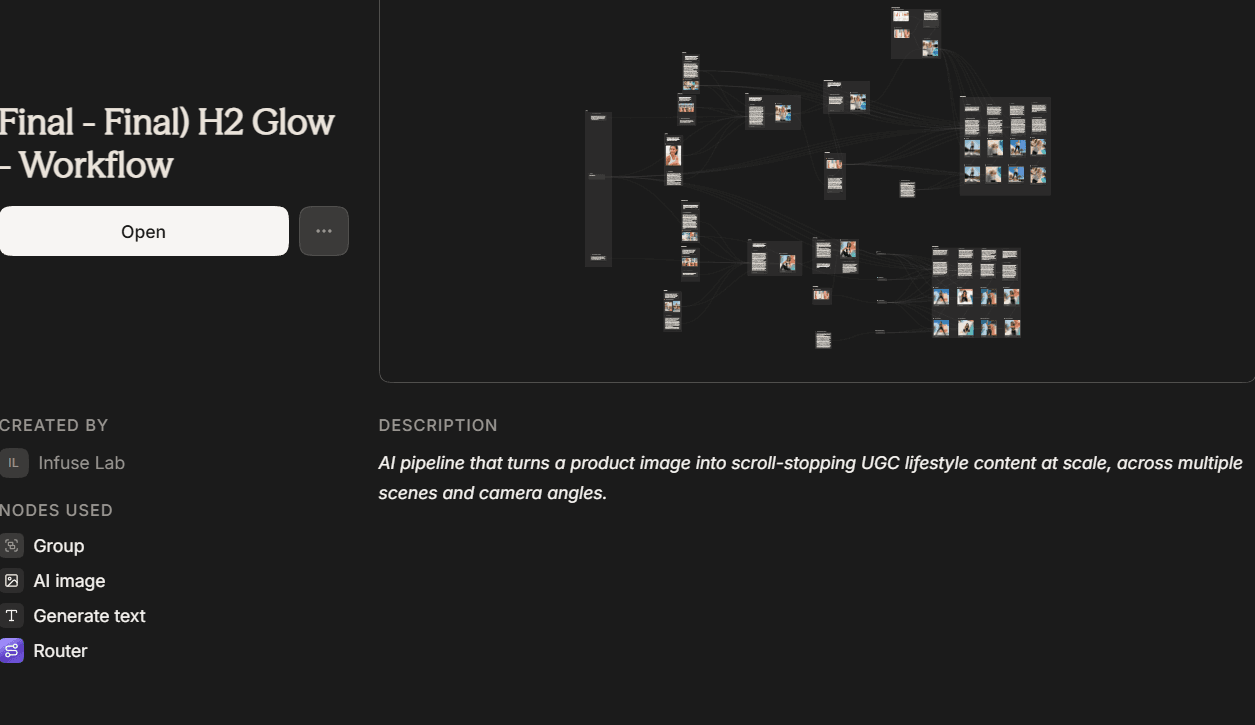
The screenshot shows the published workflow in its Pletor editor.Open flow in Pletor ↗
Brand, factual, and quality controls
- Automated evaluation pass against the brief.
- Human quality review before delivery.
What this workflow does not automate
- Requires approved product, character, and reference assets as inputs — it does not originate a brand identity from scratch.
What you own
- Provide approved source assets and scene direction.
- Review and approve outputs before publish.
Typical turnaround
Illustrative ranges based on comparable production work, not a guaranteed delivery time. Actual turnaround is scoped per engagement.
Operating evidence
No measured performance results are published for this workflow. The images above show production outputs.
Related workflows
- Email & Social Content
Email Launch Agent
Campaign brief + brand assets → a complete, ready-to-send email render per creative angle.
- Email & Social Content
LinkedIn Carousel Maker
LinkedIn post + reference images → 6-slide carousel deck. Same post, built for the feed.

Part of the Creative Production System.
Frequently asked questions
Prove this workflow on one bottleneck
Bring one recurring production task and your approximate monthly volume. You leave with a fit decision, not a custom architecture session.
Book a strategy call