Email & Social Content
LinkedIn Carousel Maker
LinkedIn post + reference images → 6-slide carousel deck. Same post, built for the feed.
Best for: Founders, content creators, B2B marketers, LinkedIn thought leaders

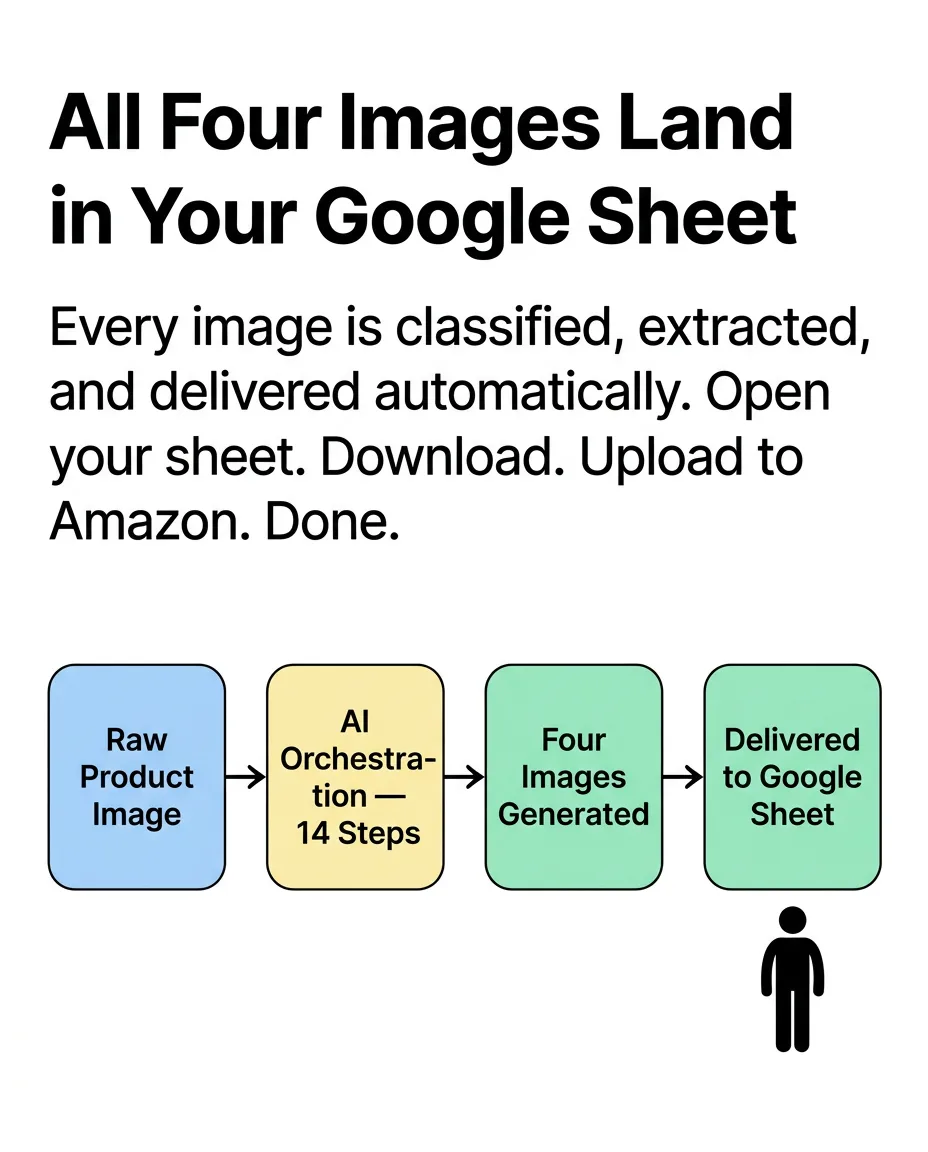
Drop in a LinkedIn post and a few reference images. The pipeline reads your design language from the references, rewrites your post as a 6-slide carousel (cover + 4 content slides + CTA), generates all slides at once at 928×1152px, then runs a full refinement pass via GPT Image 2. You get a complete, design-consistent carousel deck in minutes — built from your own content and visual style.
What you provide
- LinkedIn post (text or markdown)
- Creative reference images (2–3)
- Custom CTA text
What you get back
- 6 LinkedIn carousel slides (928×1152px portrait)
- Cover + 4 content slides + CTA slide
- Two-pass quality refinement per slide (Nano Banana 2 → GPT Image 2)
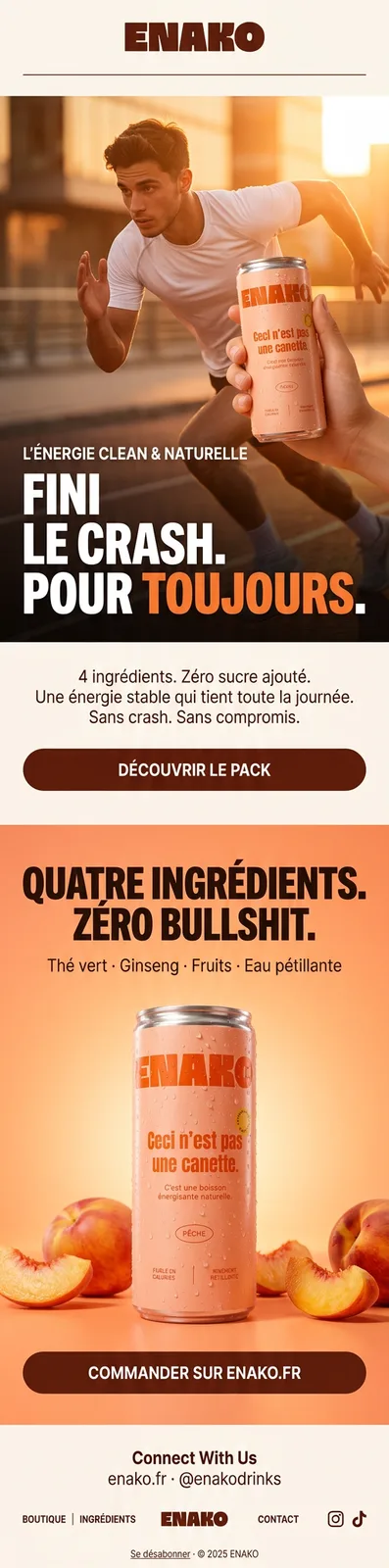
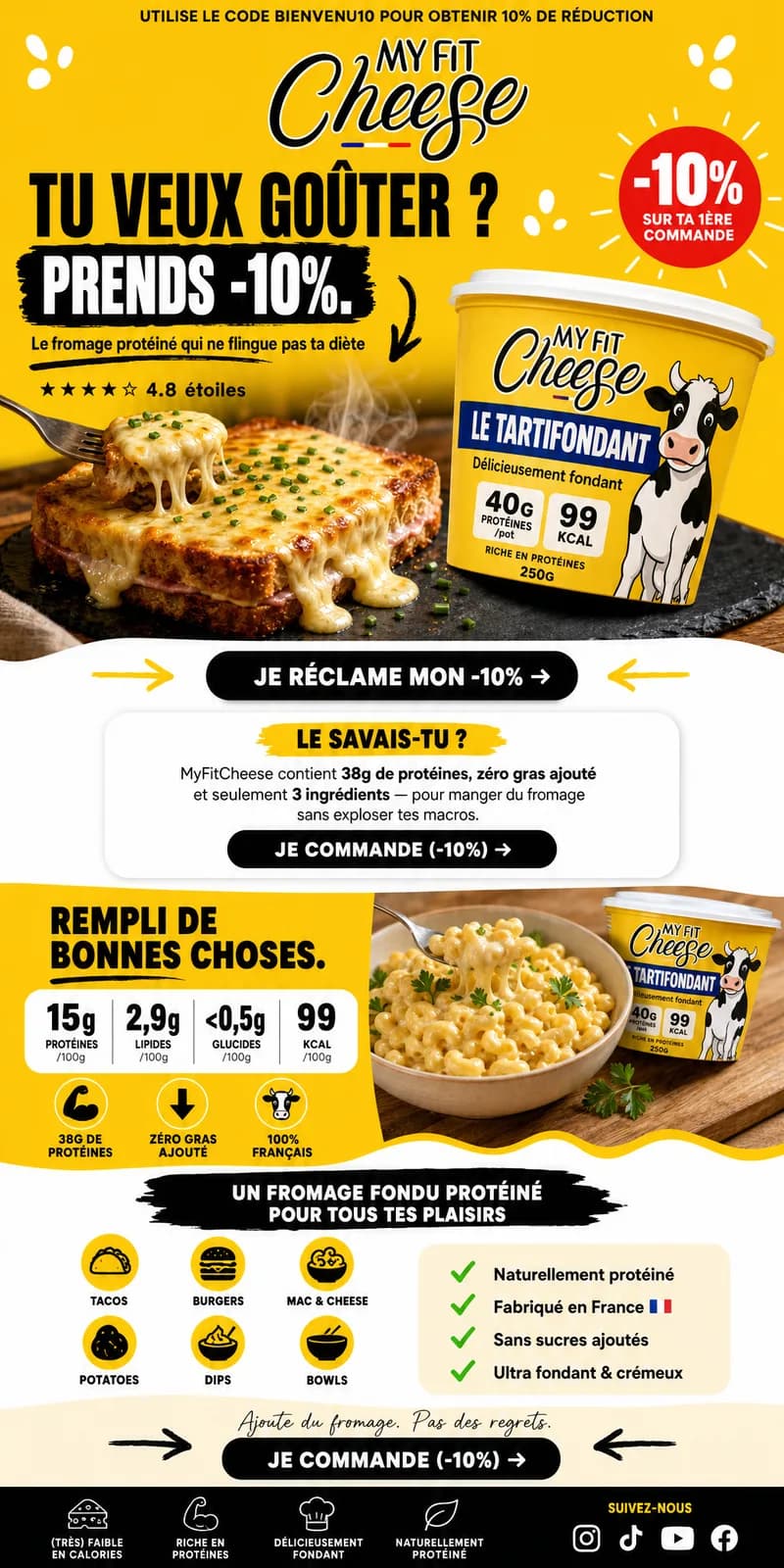
Real outputs
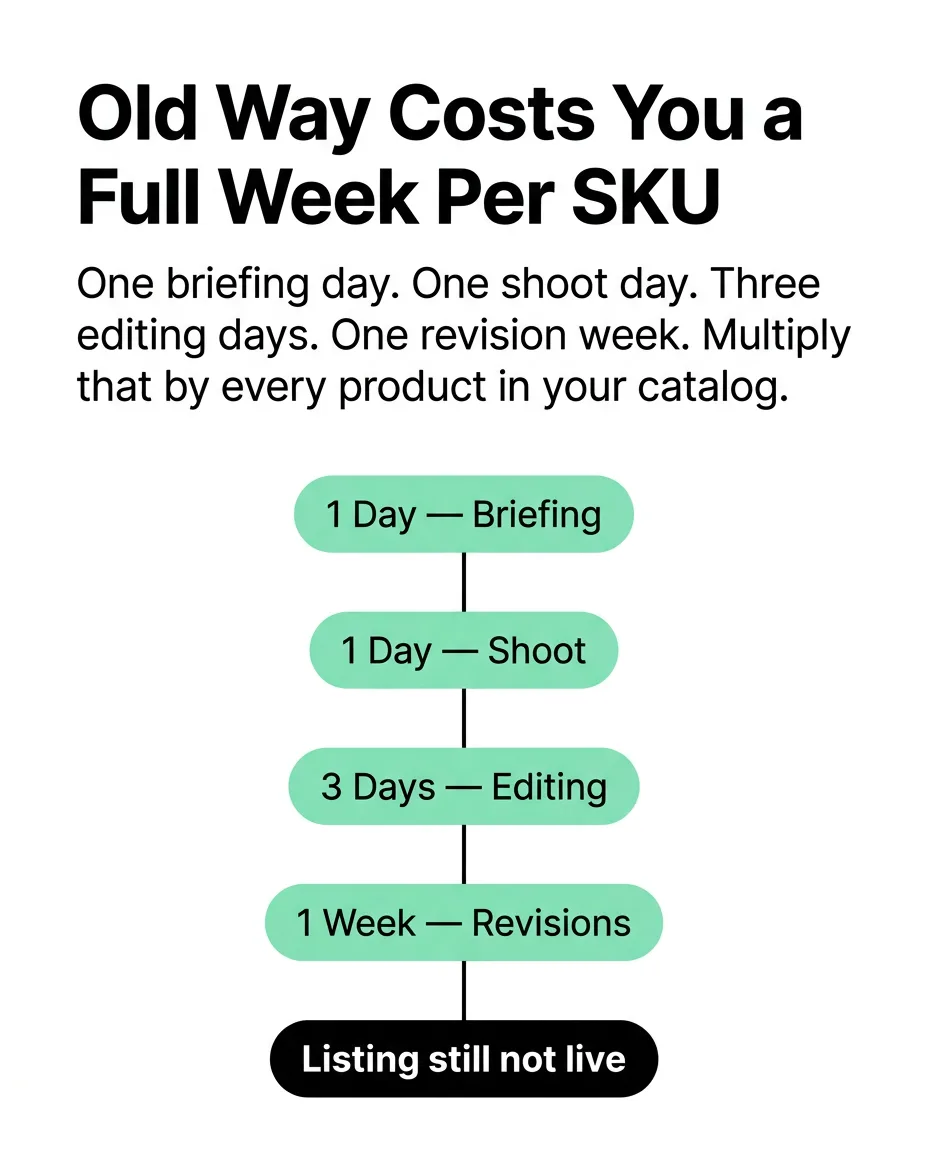
- Cover
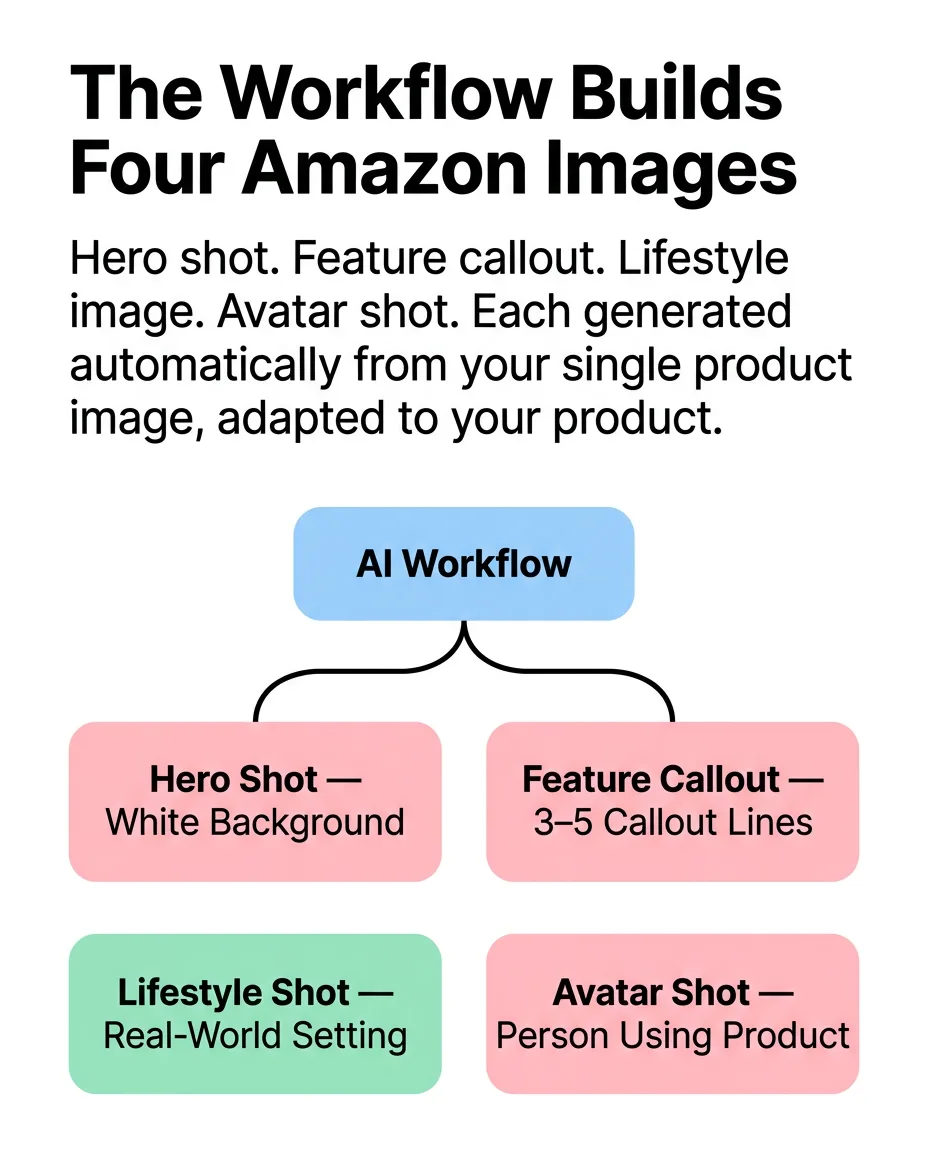
- Slide 2

- Slide 3
- Slide 4
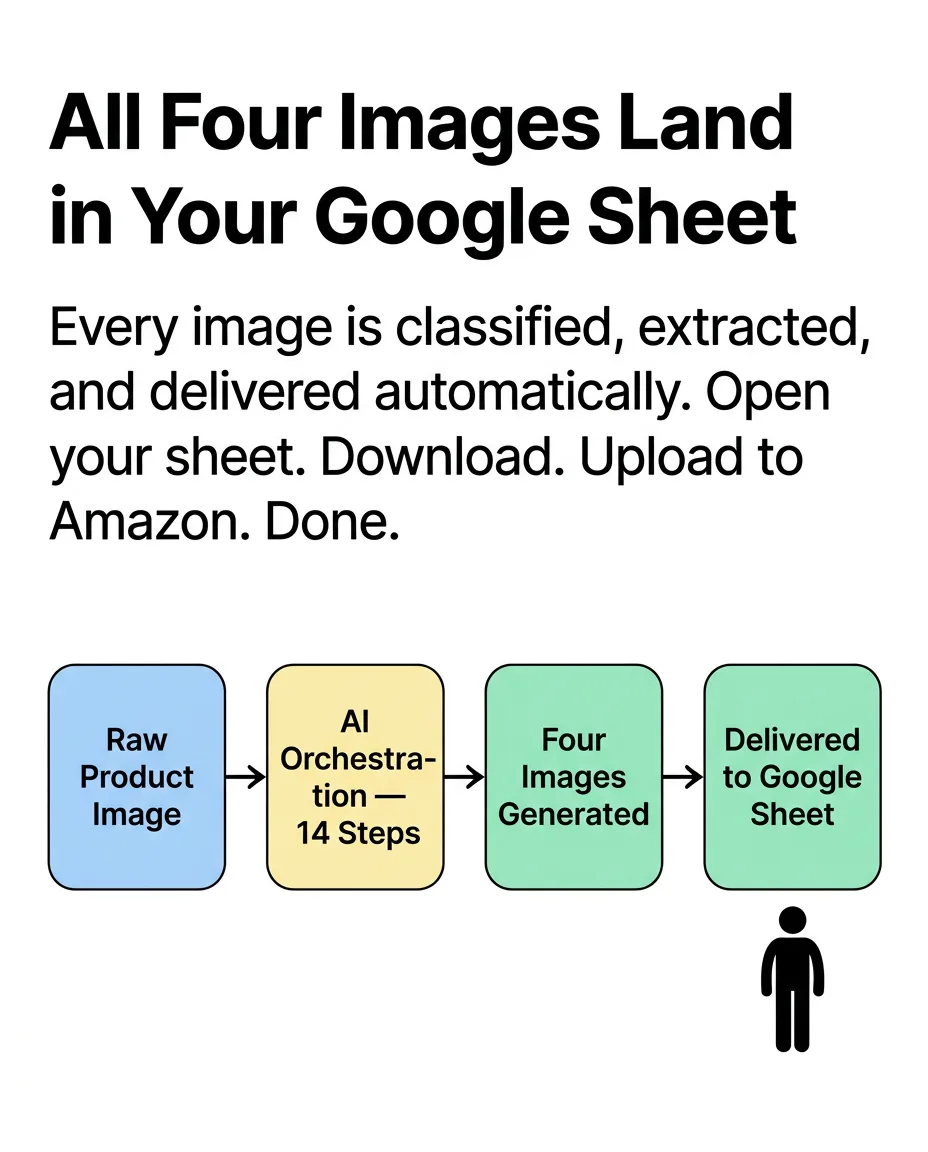
- Slide 5
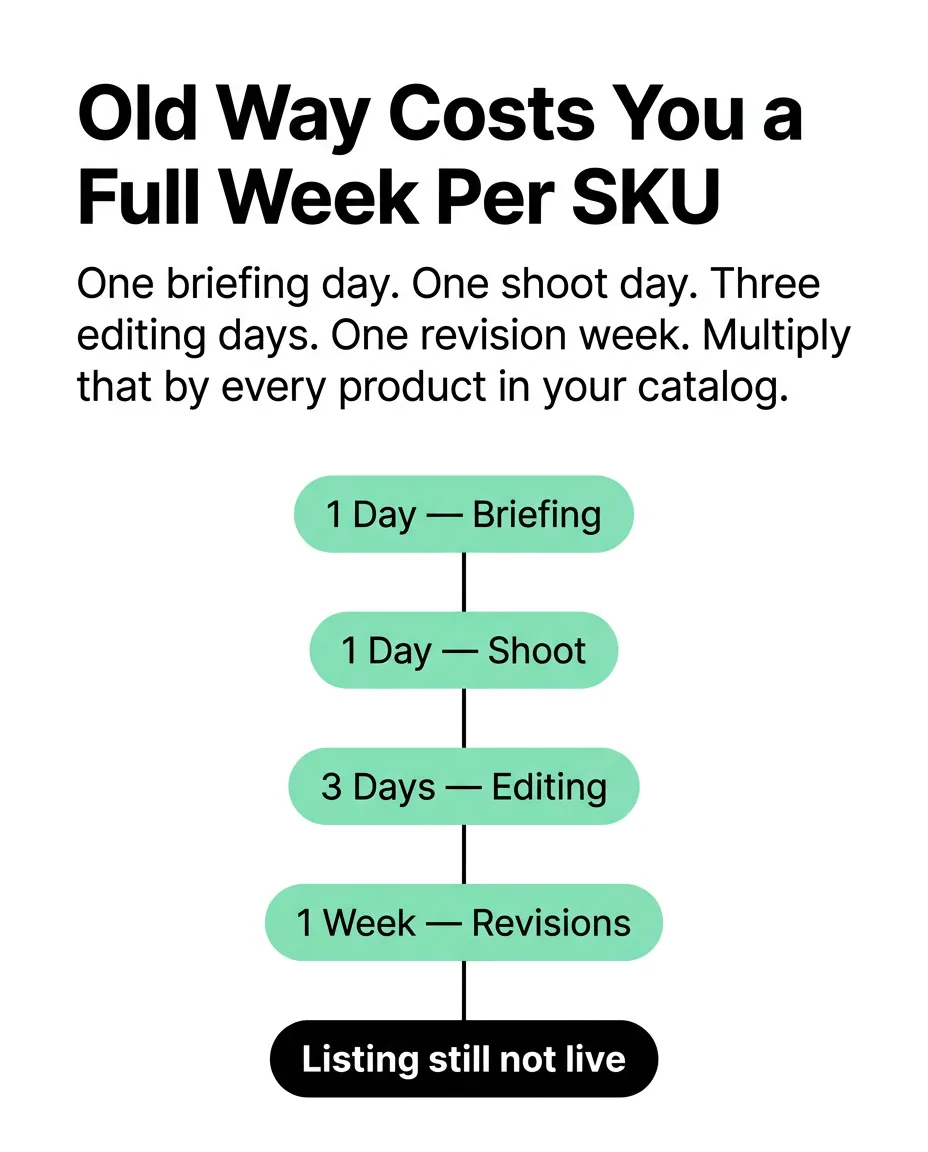
- CTA
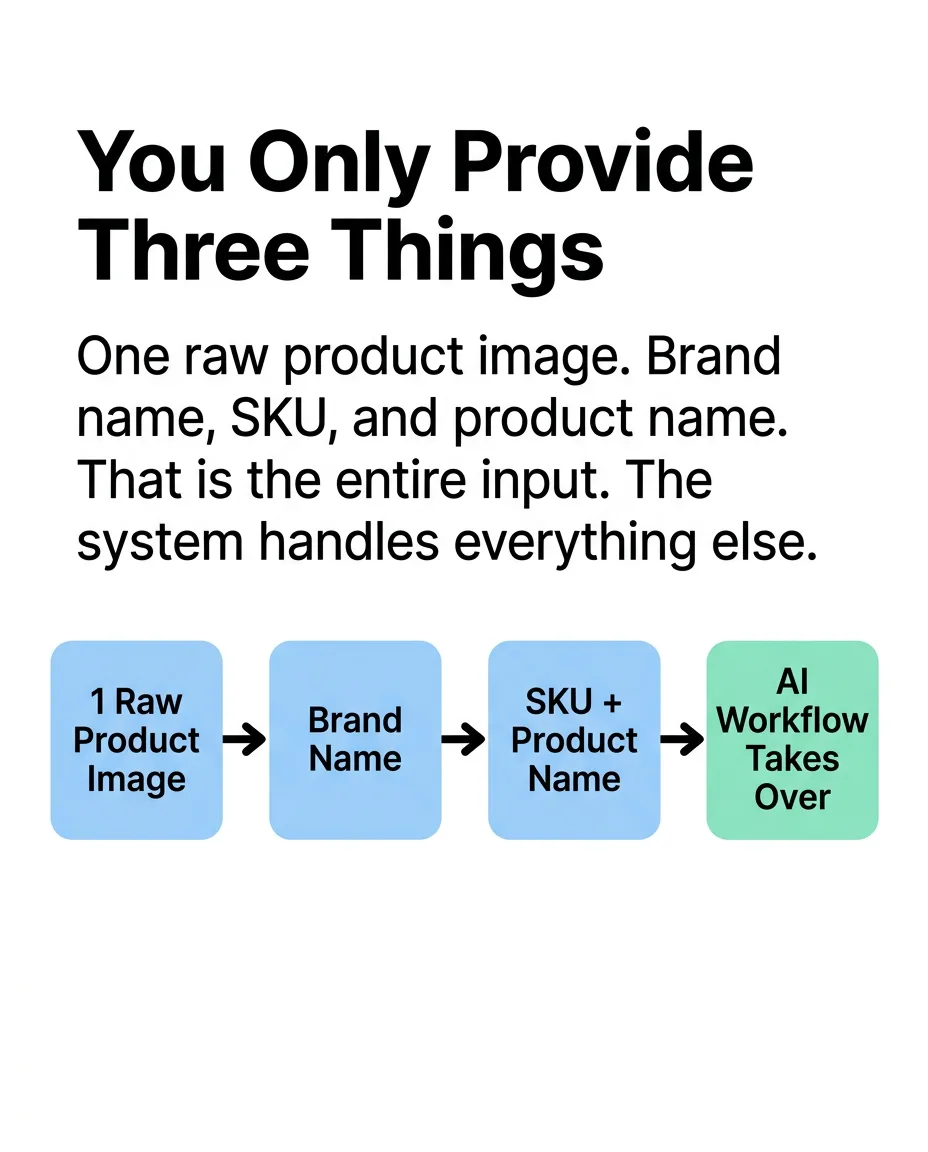
Live on the feed
How it works
LinkedIn post (text or markdown) · Creative reference images (2–3) · Custom CTA text
Your brand rules, palette, product facts, and approved references — applied to every prompt in the run.
- 01Reference Image Analysis
- 026-Slide Content Plan
- 03Prompt Extraction (Parallel)
- 04Prompt Refinement
- 05Initial Slide Generation (Parallel)
- 06Quality Refinement Pass (Parallel)
GPT-4.1 · Claude Sonnet 4.6 · Claude Haiku 4.5 +2
Automated evaluation pass against the brief.
Final output requires human approval before delivery.
6 LinkedIn carousel slides (928×1152px portrait)
The bounded path every run follows — your inputs in, the real delivered output on the right. Step detail below.
- 01
Reference Image Analysis
GPT-4.1 Vision reads your creative reference images and extracts the full design language: subjects, layout structure, visual treatment, colour palette, connector and arrow styles, and slide-ready design elements. This becomes the style anchor for every slide.
- 02
6-Slide Content Plan
Claude Sonnet 4.6 reads your LinkedIn post alongside the visual analysis and generates a complete carousel spec as JSON — cover slide, 4 content slides, and a CTA slide. Each slide gets a headline, body copy, visual direction, design notes, and an image generation prompt.
- 03
Prompt Extraction (Parallel)
Claude Haiku 4.5 extracts the image generation prompt for each of the 6 slides simultaneously — isolating clean, model-ready prompts from the broader JSON spec.
- 04
Prompt Refinement
Claude Sonnet 4.6 runs a refinement pass across all prompts, tightening instructions for the generation models — ensuring diagram types, colour palette, typography, and layout specs are precise and actionable.
- 05
Initial Slide Generation (Parallel)
All 6 slides generated simultaneously at 928×1152px via Nano Banana 2 using the refined prompts. Generating them all at once means every slide is ready together.
- 06
Quality Refinement Pass (Parallel)
GPT Image 2 runs a second-generation pass on each slide, improving typography legibility, diagram precision, and visual consistency across the deck. Final slides match the design language of your reference images.
Brand, factual, and quality controls
- Automated evaluation pass against the brief.
- Human quality review before delivery.
What this workflow does not automate
- Requires approved product or brand source assets as input — does not originate new photography or footage from scratch.
What you own
- Provide source product images or footage.
- Review and approve outputs before publish.
Typical turnaround
Illustrative ranges based on comparable production work, not a guaranteed delivery time. Actual turnaround is scoped per engagement.
Operating evidence
Verified operating evidence for this workflow is not yet published. Outputs shown above are real production results.
Frequently asked questions
Does it match my LinkedIn brand voice?
Yes — the pipeline reads your existing LinkedIn post and adapts all carousel content to match your established voice, point of view, and level of technical depth.
Can I customise the design style?
Yes — the creative reference images you upload define the visual system. Swap in different references to get a different design direction without changing any other input.
Why two generation passes (Nano Banana 2 then GPT Image 2)?
The first pass establishes layout and structure rapidly in parallel. The second pass — GPT Image 2 — fixes typography legibility, sharpens diagram lines, and improves visual consistency across the full deck. Two passes reliably produce higher quality than one.
Prove this workflow on one bottleneck
Bring one recurring production task and your approximate monthly volume. You leave with a fit decision, not a custom architecture session.
Book a strategy call