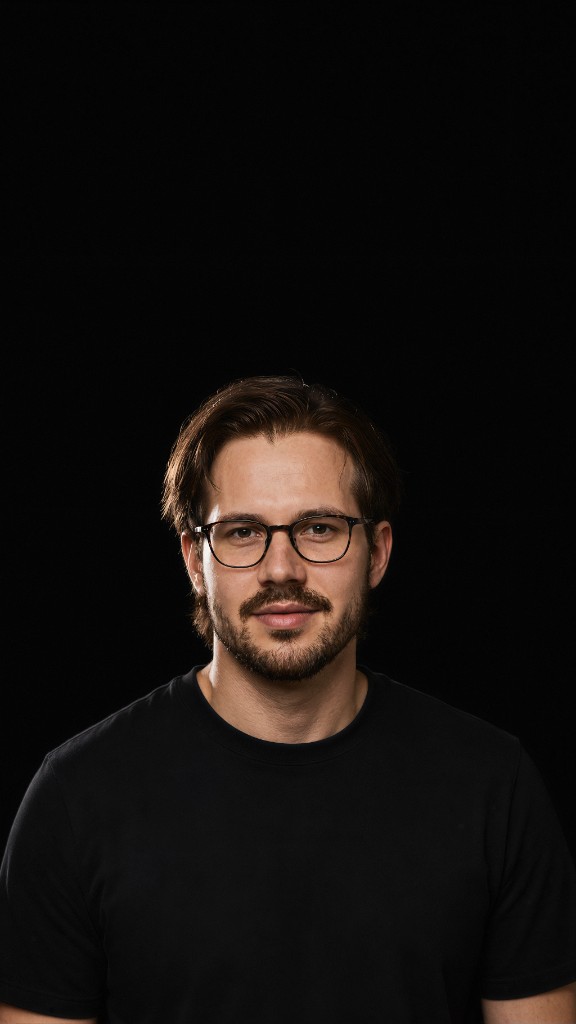
Talking videos
Three cinematic looks from one brief, ready to post.
Avatar Engine
Built for publishers, creators, founders, agencies, DTC brands, and creative teams who will not spend time on camera.
Script and look in. Talking avatars out — with camera motion built in. Captions and graphics finish on the beat. Voice held. Style locked. Ready for every channel.
Bring one brief. We’ll show the plain avatar, then the finished cut.
0 camera
No shoot day needed
On demand
Look + camera moves
N channels
One idea, many posts
Before the pipeline
Find a quiet room, set up the light, and get a good take.
Film again when you sound tired or the words change.
Cut the same idea for Reels, TikTok, Shorts, and LinkedIn.
Keep voice and look the same when helpers change.
Do it all again next week — while you run the business.
Your ideas are fine. Filming time is the problem.
How it works
One clear Avatar Engine path. We make the talking video — not a long timeline edit by hand.
Setup once
› Your look?
→ Approved photos / character sheet
› Voice?
→ Your cloned voice (with permission) or brand voice
› Brand rules?
→ Colors, caption tone, what you can claim
› Bed music?
→ Viral 60 library · auto on AI video editor finish
✓ Avatar rules locked for every future brief.
Topic or full script, plus approved reference photos. No shoot day. No lights. No “I’ll film it later.”
Face, clothes, and speaking style stay steady from take to take. Your voice (or approved brand voice) matches the mouth moves — not a random stock face.
Custom look on demand, then camera moves: close-up, slow push, soft arc — so you can rotate formats without filming again.
Strong opening, on-brand delivery, script match, and claim rules must pass before anything is ready to publish.
Nothing posts by itself. After you say yes, the pack is ready for social — same voice, same style, more posts.
You brief.
You approve the look.
You say publish.
That’s it.
What you get back
Three cinematic looks from one brief, ready to post.
Your voice (or brand voice) with matching lip sync.
Trendy bed music auto-inserted when the AI video editor finishes the cut.
A person approves before anything goes live.
New · Viral 60 bed
Same AI video editor finish that sits on Avatar Engine — captions, motion, and a vibe-matched bed from the Viral 60 library.
Tap the speaker to hear the bed under the voice.
Why not keep filming by hand?
Weekly filming
This pipeline
Avatar capability
Same talking-head workflow cuts used across /workflows — locked close-up, slow push-in, and low arc — so one look brief becomes different camera moves without another filming session.
Look — realistic avatars made on demand
Motion — different camera moves without filming again
How the stack works
Two products, one stack when you need both. Avatar Engine makes the talking performance. The AI video editor adds captions, templates, beat graphics, and a Viral 60 music bed on top.
01 · Avatar Engine · raw talking video
Script + look → talking video. No camera. No captions yet.
02 · AI video editor · finishing layer
Same finishing system as /video-engine — layered on the avatar cut so the short moves and illustrates on the beat, with a vibe-matched bed from the Viral 60 library.
Layer on top
This page. Script + look → talking video when you will not record. Sits on top of the AI video editor — not a replacement for it.
Base · AI video editor
Recut, caption, compose into split-stack or full-cut, auto-insert Viral 60 bed music, run checks, then you approve. Works on a real filmed take — or on Avatar Engine output.
Finished shorts — avatar talking video plus captions and motion graphics
Viral 60 bed — trendy background music auto-inserted on finish
Always separate — Avatar Engine makes the talk; AI video editor finishes on beat
Hard stops before publish
You bring the script and approved look. The engine makes the talking video.
Founders
Send your update as a script. Get a talking video without finding time to film.
DTC brands
Turn a product brief into short videos that explain what it does and why it helps.
Publishers
Use one approved host for news, tips, or daily stories across your channels.
Agencies
Keep the same face, voice, and style while your team makes new posts.
Global teams
Start with one approved brief. Make new cuts for each feed without another recording.
Bring one real task from your business. See how it would run with your host and brand.
Book a strategy callFor
Not for
Common questions
No. That is the point of Avatar Engine. You approve your look and script once; the pipeline performs. If you already love filming, use the AI video editor system instead.
With your permission and rights, yes — your look and voice, or an approved brand spokesperson. Your brand rules stay fixed.
The AI video editor system finishes and publishes — captions, templates, checks, then you approve. This page is Avatar Engine on top: it makes the talking performance when you will not record. Plain avatar first, then AI video editor finishing on the beat. Two products. One stack when you need both.
Yes. One approved brief becomes several looks and channel-ready cuts — so posting does not wait on another night of filming.
No. Your script and brand rules are the inputs. Checks run before you approve. Unapproved claims do not ship.
No. Checks run first. Then a person confirms publish.
Yes — when the AI video editor finishes the cut. It auto-inserts a vibe-matched bed from the Viral 60 music library (60 trendy, royalty-clear tracks). Your own track can still be used on request.
Bring one brief and your look pack. We’ll show the talking cuts — and whether Avatar Engine belongs on top of your AI video editor.
Book a strategy call20–30 minutes. No slides. A person approves before publish.