Video Production
Cinematic Transitions in Motion
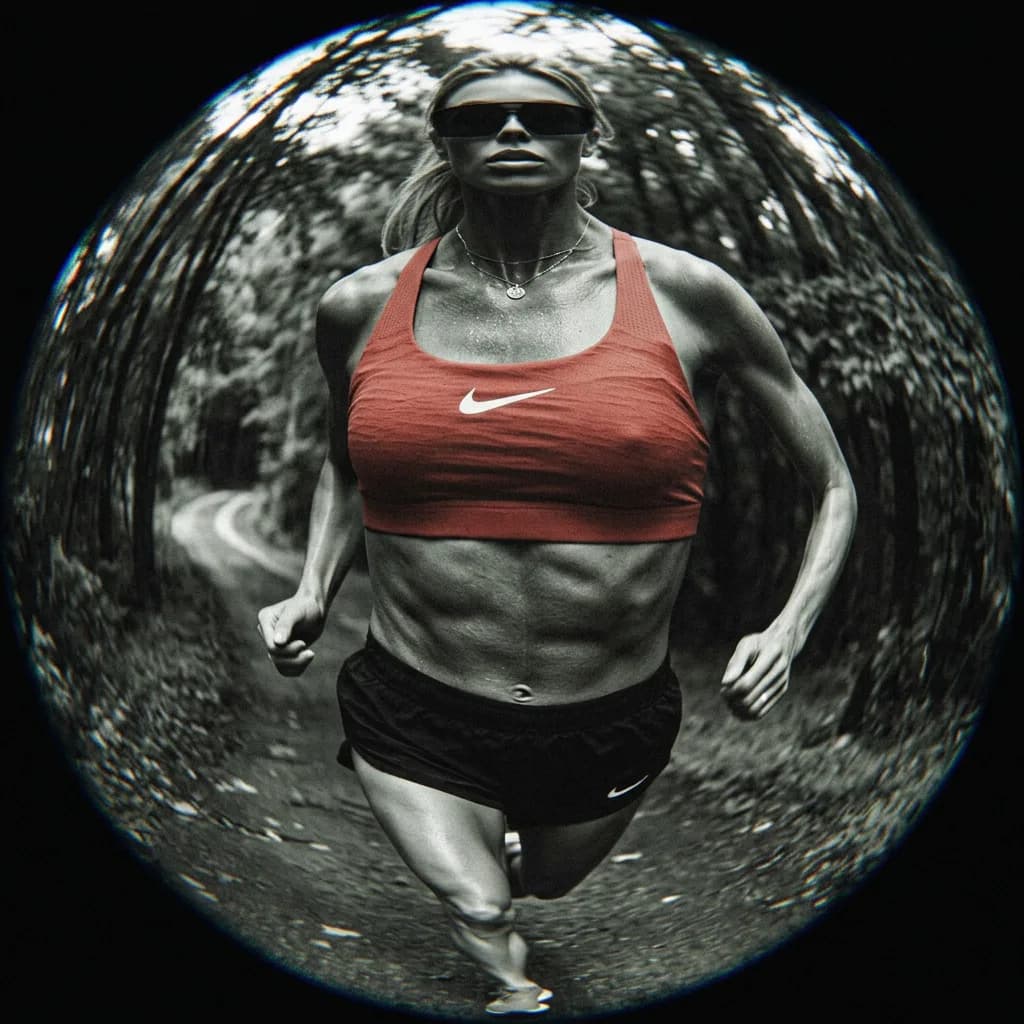
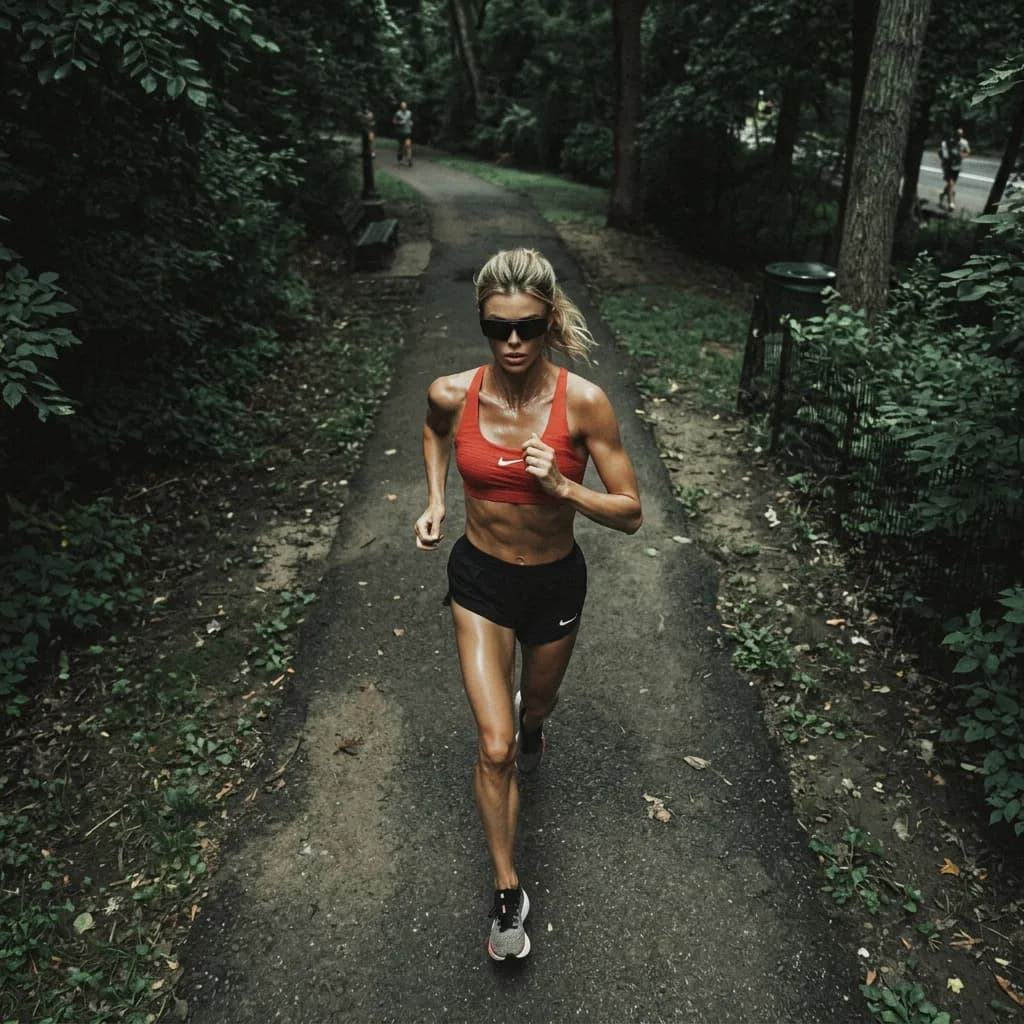
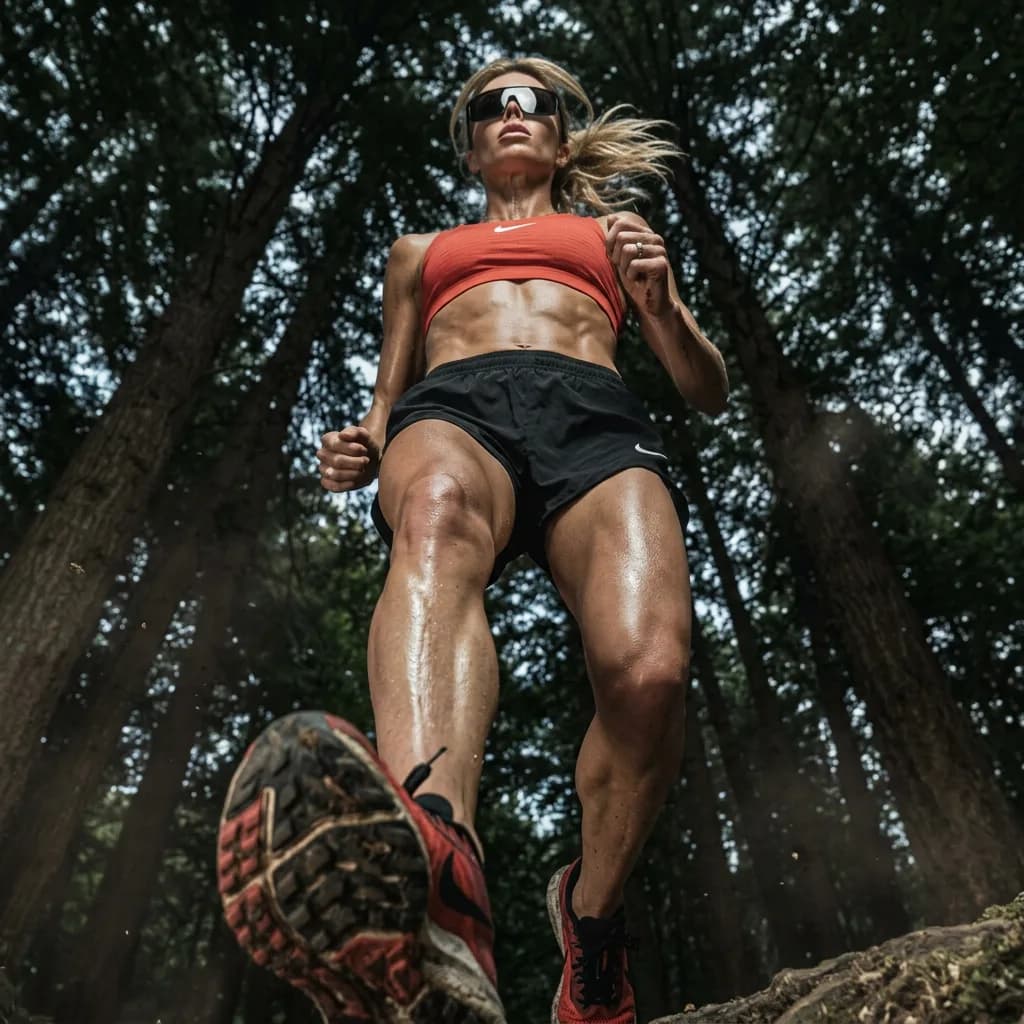
Static frames → animated shots joined by cinematic transitions. No camera, no editor.
Best for: Brand film openers, ad creative, sports and apparel campaigns, motion-led social
Give us the still frames for each shot. The pipeline animates each one into a moving scene, then joins them with cinematic transitions — match cuts, speed ramps, whip pans — so a set of images becomes one continuous piece of motion. Built for hero films, ad openers, and social cutdowns.
What you provide
- Static frames or keyframes, one per shot
- Transition style reference (optional)
What you get back
- Animated cinematic shots (12 sec each, MP4)
- Match-cut, speed-ramp, and whip transitions between scenes
- Continuous cut assembled from the shot set
Real outputs
- Turn your sound on to hear the audioApproach
- Turn your sound on to hear the audioStillness to Strike
- Turn your sound on to hear the audioDetail to Motion
Live as a hero reel
How it works
Static frames or keyframes, one per shot · Transition style reference (optional)
Your brand rules, palette, product facts, and approved references — applied to every prompt in the run.
- 01Frame Prep
- 02Shot Animation
- 03Transition Planning
- 04Motion Assembly
- 05Grade & Export
Kling v3 Pro · GPT-4o
Automated evaluation pass against the brief.
Final output requires human approval before delivery.
Animated cinematic shots (12 sec each, MP4)
The bounded path every run follows — your inputs in, the real delivered output on the right. Step detail below.
- 01
Frame Prep
Each source still normalised for exposure, aspect, and subject placement so the shots cut together cleanly.
- 02
Shot Animation
Every frame animated into a 12-sec moving scene with camera motion and subject action via Kling v3 Pro.
- 03
Transition Planning
Exit and entry frames of adjacent shots analysed to pick the transition that reads best — match cut, speed ramp, or whip pan.
- 04
Motion Assembly
Shots joined on the planned transition points; timing and easing tuned to the intended pace.
- 05
Grade & Export
Consistent cinematic colour grade applied across the sequence; exported in film and social formats.
Brand, factual, and quality controls
- Automated evaluation pass against the brief.
- Human quality review before delivery.
What this workflow does not automate
- Requires approved source frames as input — does not originate new photography or footage from scratch.
What you own
- Provide source frames or stills.
- Review and approve outputs before publish.
Typical turnaround
Illustrative ranges based on comparable production work, not a guaranteed delivery time. Actual turnaround is scoped per engagement.
Operating evidence
Verified operating evidence for this workflow is not yet published. Outputs shown above are real production results.
Related workflows
- Video Production
AI Clothing & Fashion Video (I2V)
Model images → cinematic fashion clips. No camera, no studio.
- Photography & Imaging
Editorial Camera-Angle Set
1 model image → 6 cinematic camera angles for the editorial. No second shoot.
- Video Production
Moodboard Ads for Promotional Events
Product + event → storyboard + promo video. Ready before the sale starts.

Part of the Creative Production System.
Frequently asked questions
How many shots can be chained together?
There is no hard limit — the sequence length is set by how many frames you provide. Most hero films run 3–8 shots.
Can you match a specific reference edit?
Yes — supply a reference clip and the transition planning step matches its cut rhythm and transition style.
Prove this workflow on one bottleneck
Bring one recurring production task and your approximate monthly volume. You leave with a fit decision, not a custom architecture session.
Book a strategy call