Photography & Imaging
Multi-View Product Sheet
1 source image → a clean multi-view product sheet plus a reconstruction blueprint. The asset set every other workflow builds on.
Best for: Brands needing to establish a full asset library from limited photography
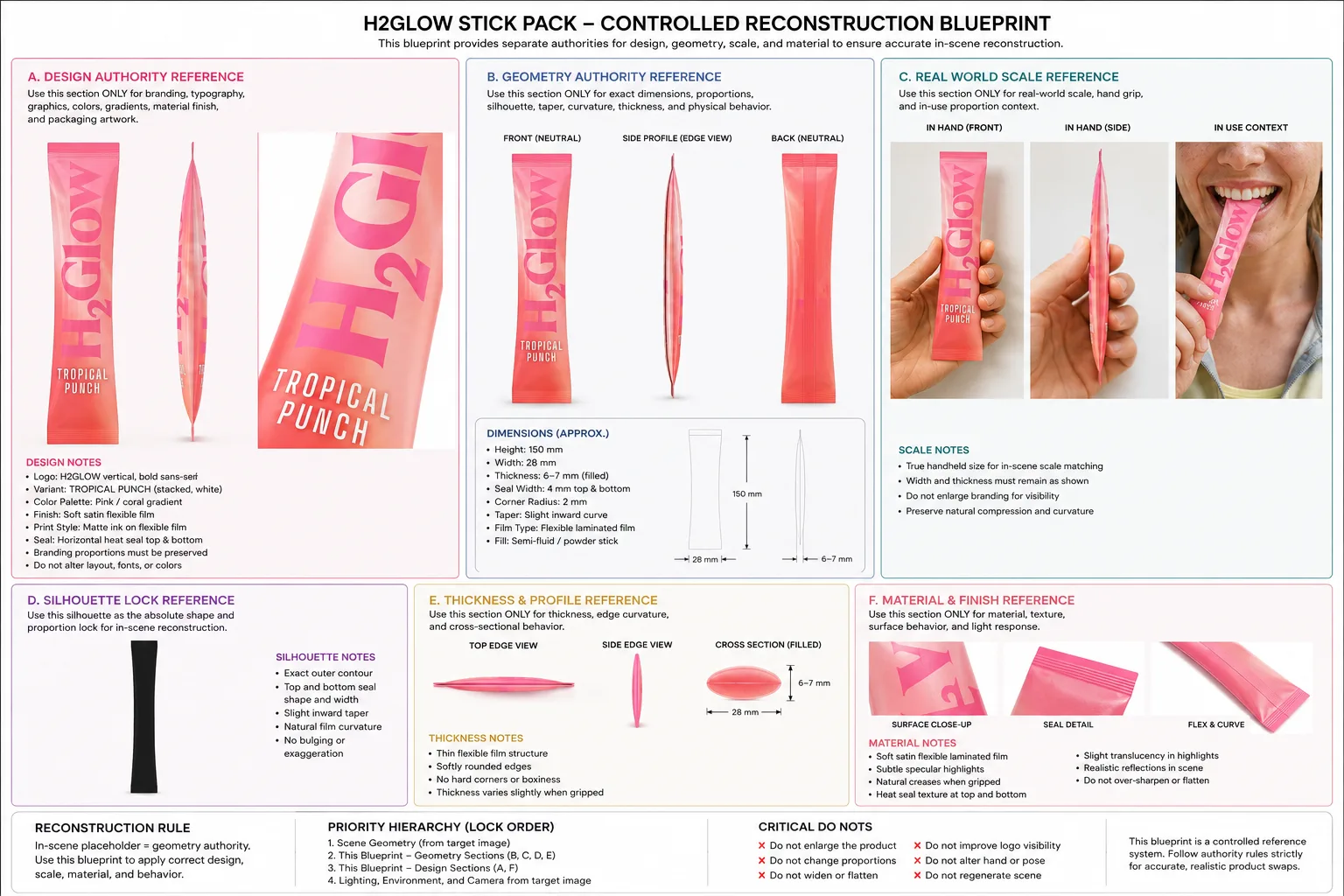
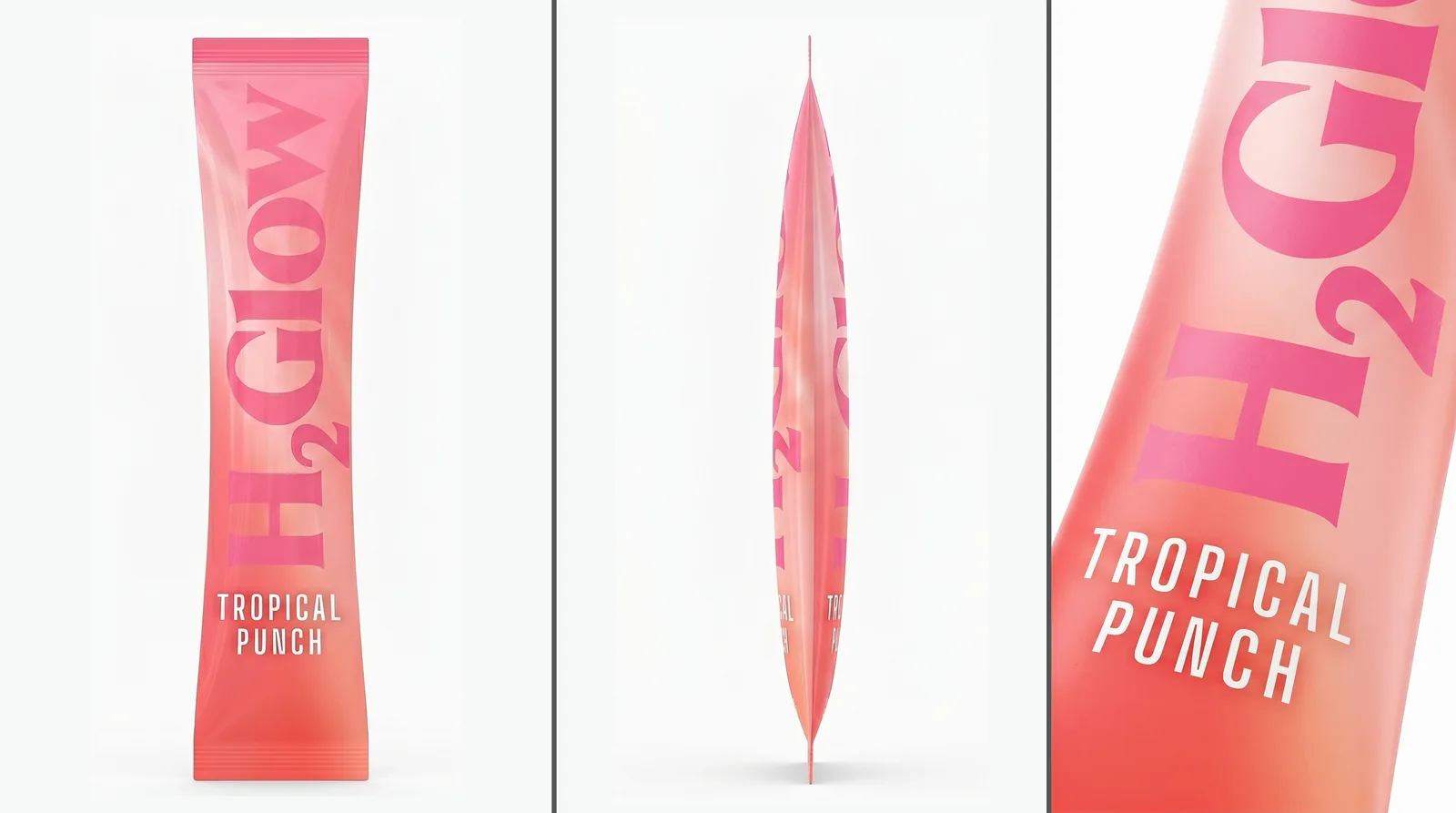
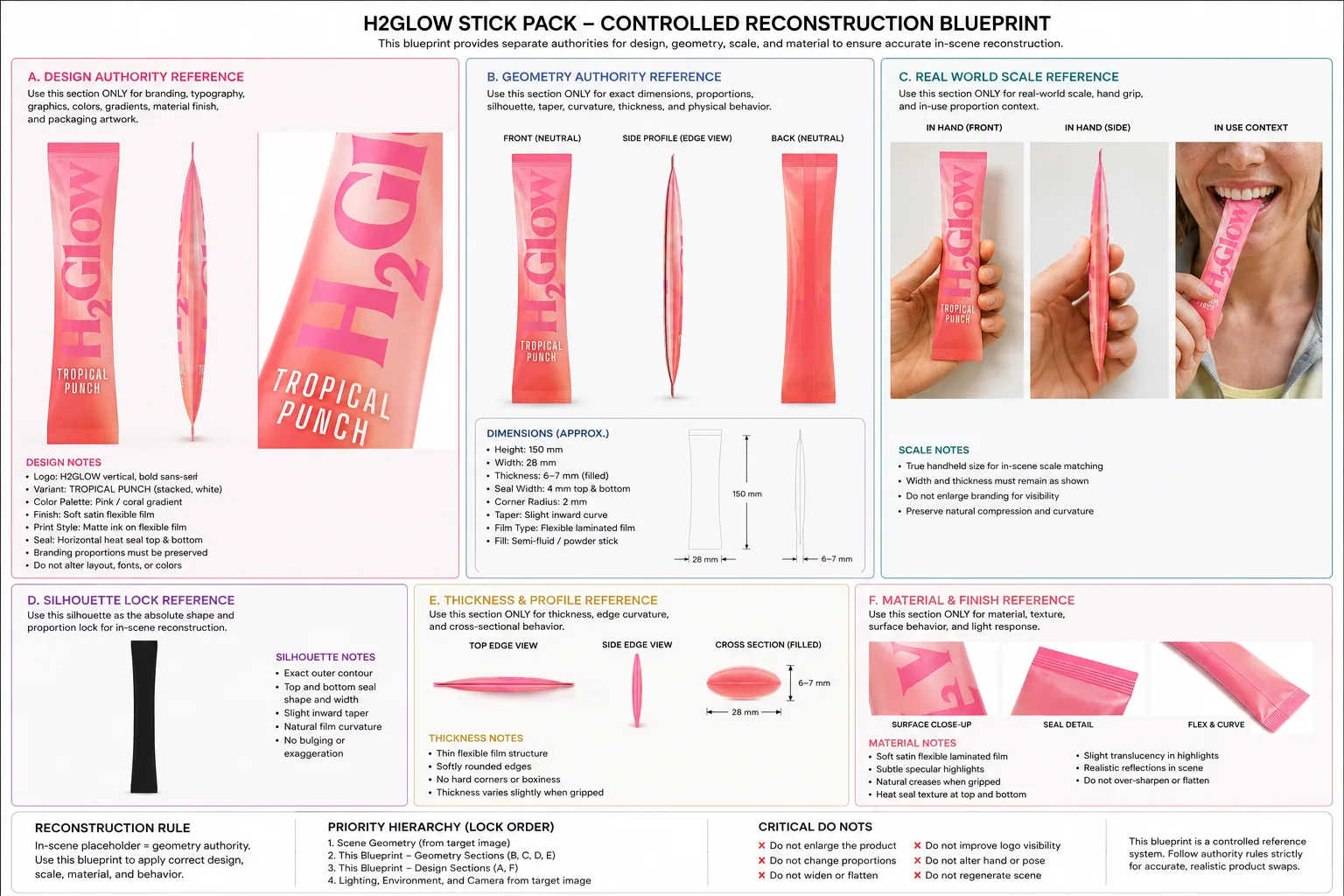
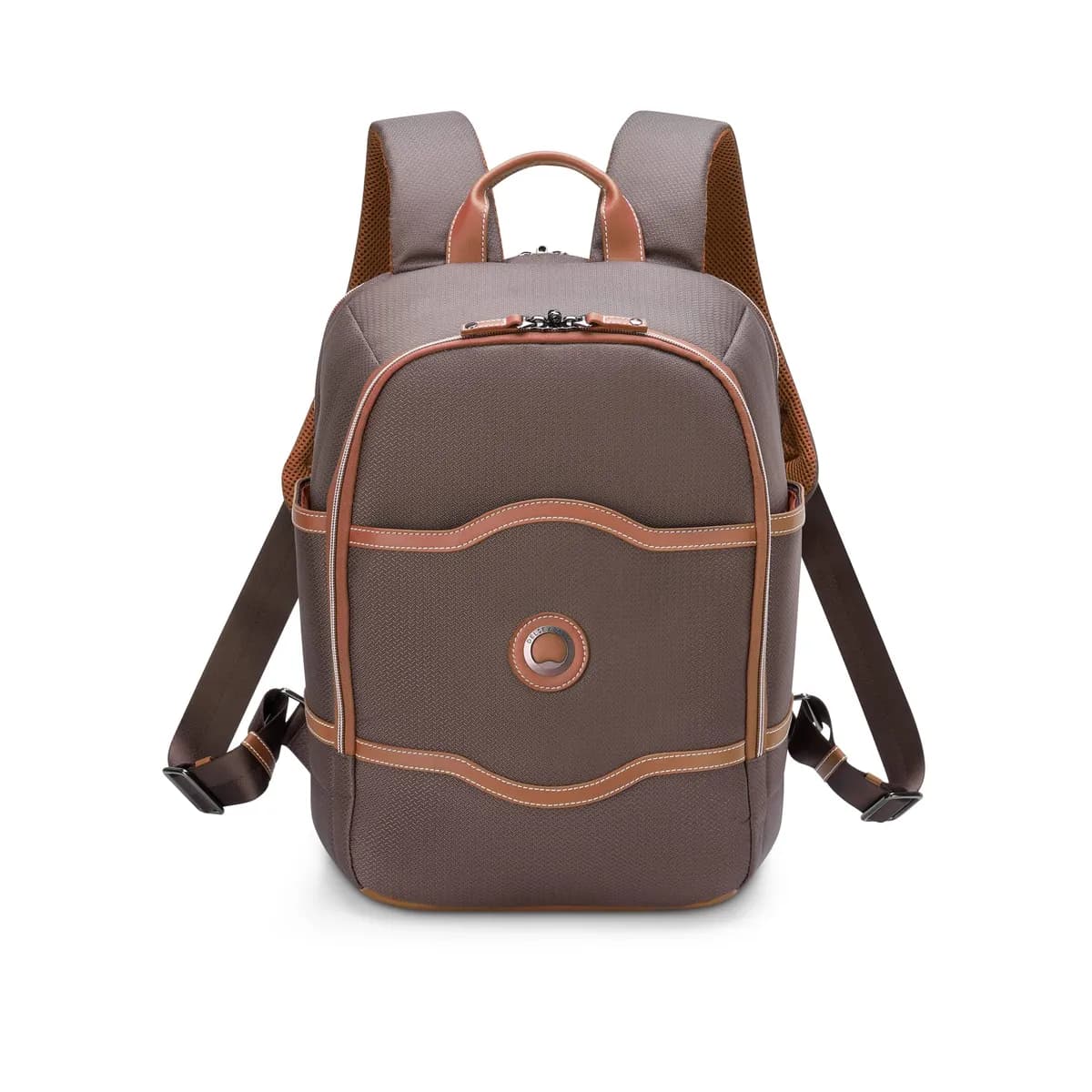
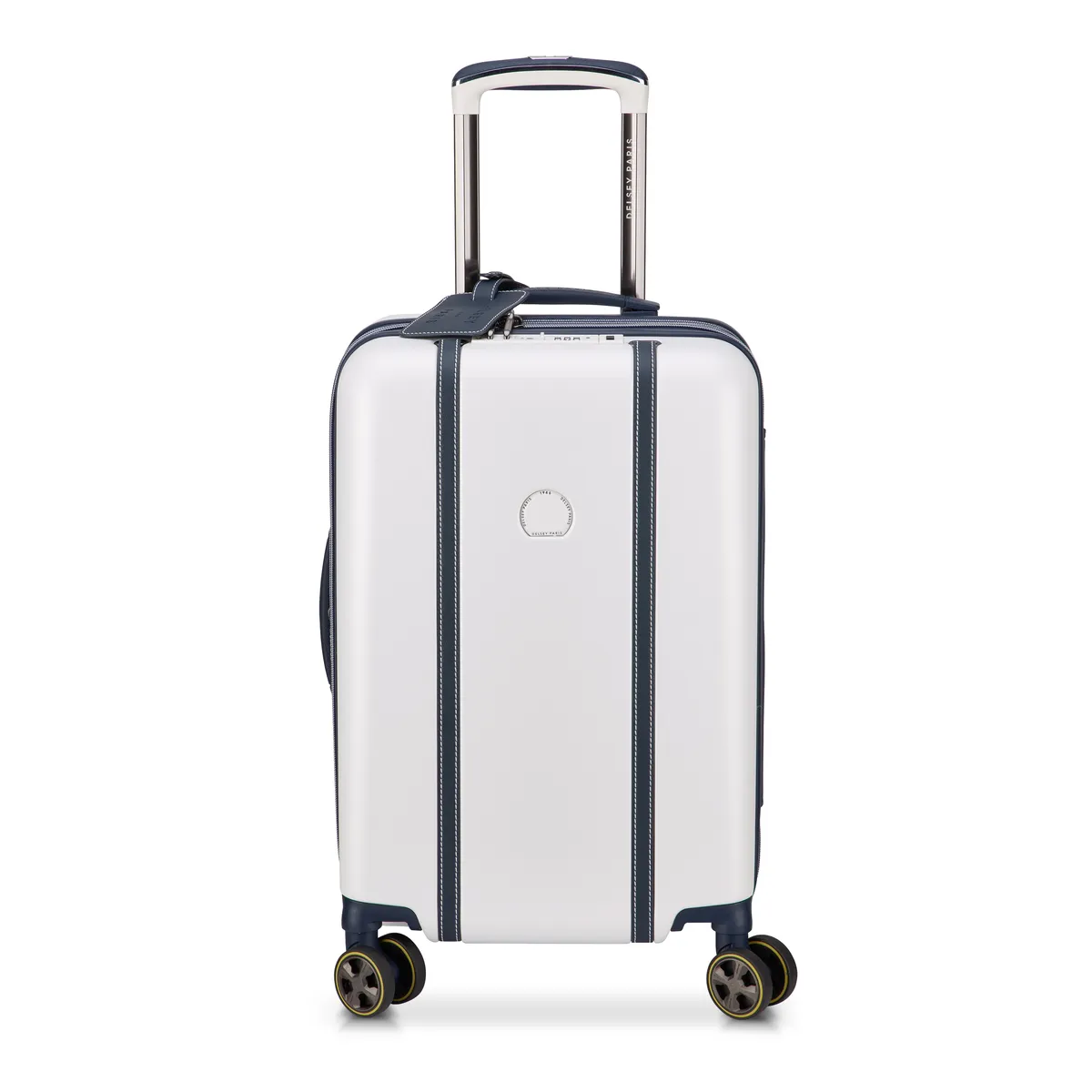
Start here. One product photo in, a clean studio sheet out — front, edge profile, and macro detail, composited and upscaled. Plus a reconstruction blueprint carrying design, geometry, scale, and material references for dropping the product into any scene. This is the foundation set that feeds straight into 360 Spin, Multi-Angle Reshoot, and Fashion Video.
What you provide
- 1 product source image
What you get back
- 1 studio product sheet (front, edge profile, macro detail), upscaled
- 1 reconstruction blueprint for in-scene product swaps
Real outputs
- Studio Sheet
- Reconstruction Spec
Live as the source pack
How it works
1 product source image
Your brand rules, palette, product facts, and approved references — applied to every prompt in the run.
- 01Source Processing
- 02View Generation
- 03Detail Enhancement
- 04Topaz x4 Upscale
- 05Asset Export
Flux · Topaz AI x4 upscale
Automated evaluation pass against the brief.
Final output requires human approval before delivery.
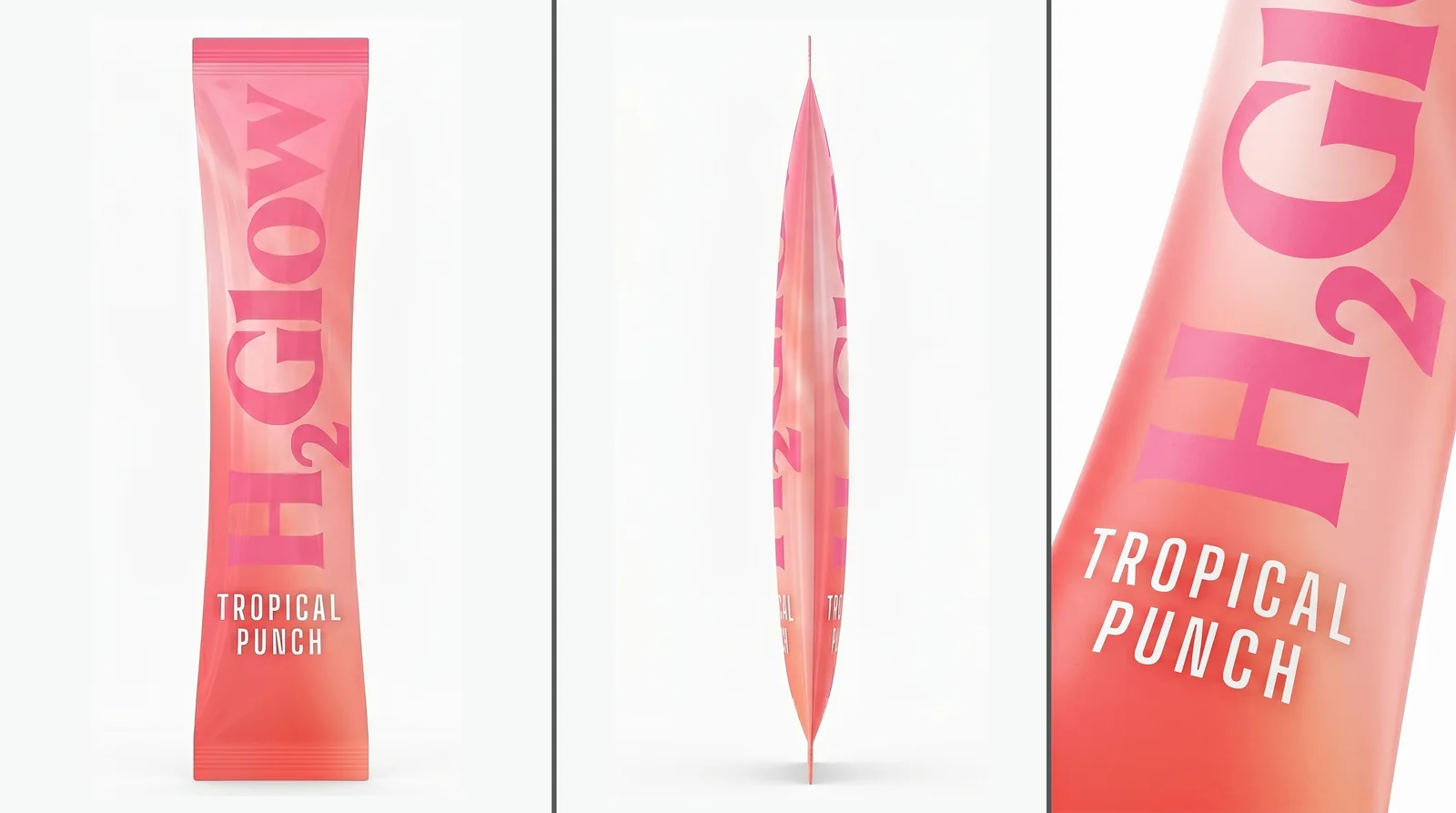
1 studio product sheet (front, edge profile, macro detail), upscaled
The bounded path every run follows — your inputs in, the real delivered output on the right. Step detail below.
- 01
Source Processing
Source image background-removed and product isolated for clean generation.
- 02
View Generation
Each product view generated from the isolated source using consistent lighting and perspective rules.
- 03
Detail Enhancement
Edge-profile and macro views run through a dedicated enhancement loop for seam and texture accuracy.
- 04
Topaz x4 Upscale
Each view upscaled 4× using Topaz AI for print-quality resolution.
- 05
Asset Export
Final PNGs named, tagged, and delivered — ready to feed into 360 Spin, Multi-Angle, and Fashion Video workflows.
Brand, factual, and quality controls
- Automated evaluation pass against the brief.
- Human quality review before delivery.
What this workflow does not automate
- Requires approved product or brand source assets as input — does not originate new photography or footage from scratch.
What you own
- Provide source product images or footage.
- Review and approve outputs before publish.
Typical turnaround
Illustrative ranges based on comparable production work, not a guaranteed delivery time. Actual turnaround is scoped per engagement.
Operating evidence
Verified operating evidence for this workflow is not yet published. Outputs shown above are real production results.
Related workflows
- Photography & Imaging
Multi-Angle Campaign Reshoot
1 product photo → one campaign, held at precise product fidelity, iterated to every ratio and format its venues need — online and offline.
- Photography & Imaging
Motion 360° Spin Product Video
4 product images → a smooth, loopable 360° spin video. No turntable rig.
- Photography & Imaging
On-Brand Static Ad Creatives (Packshots)
Drop a URL → 3 on-brand packshots. The AI reads your brand first.
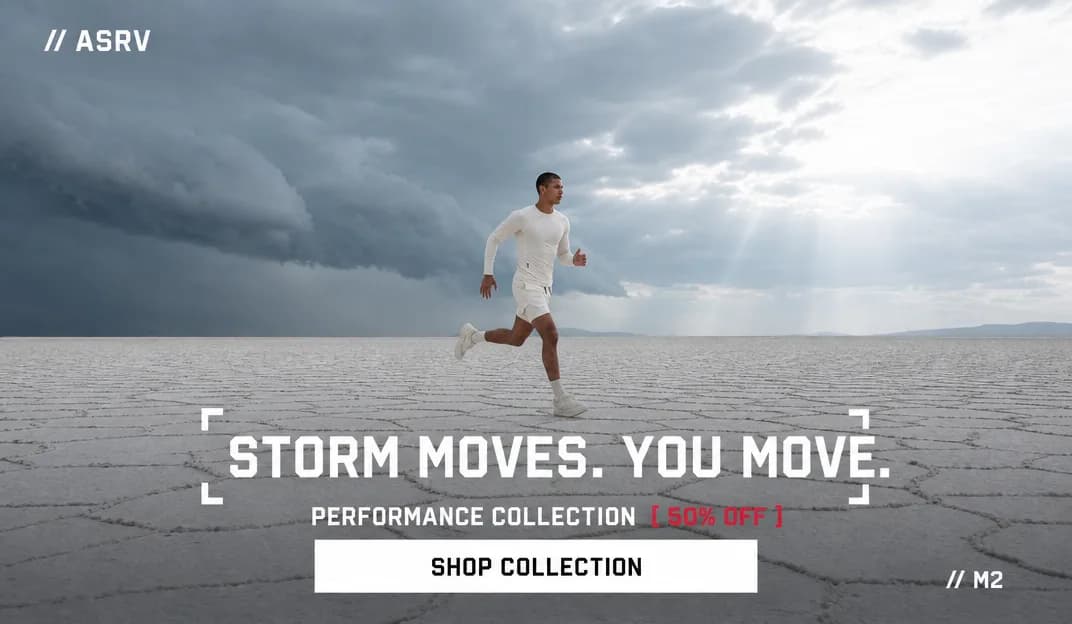
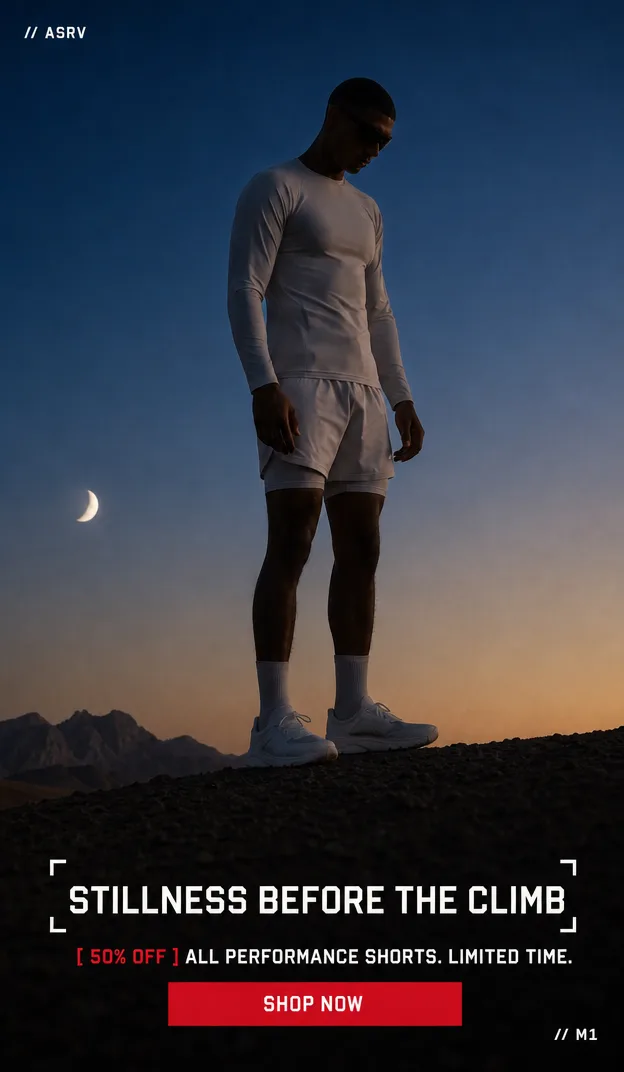
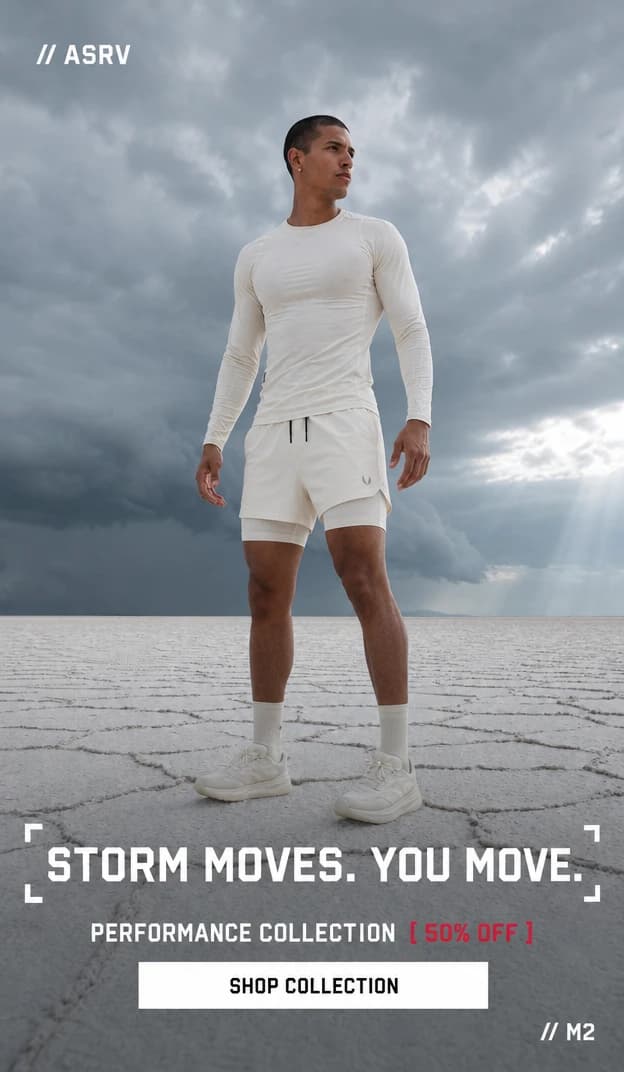
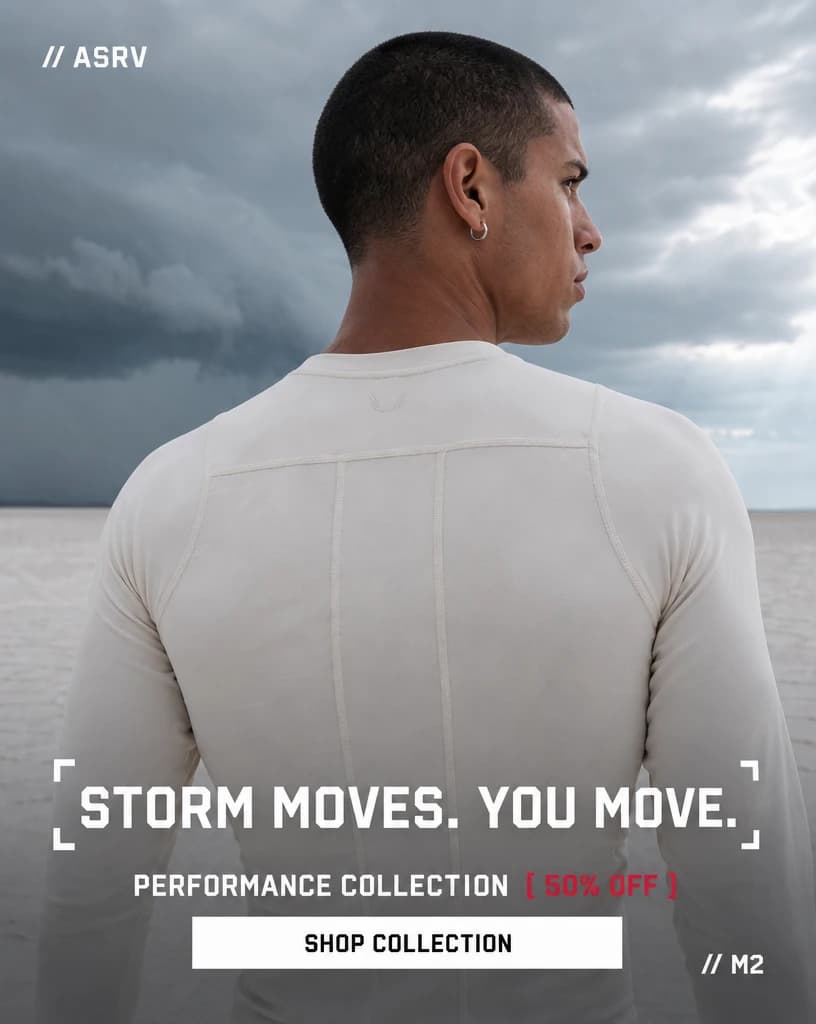
Part of the Creative Production System.
Frequently asked questions
What resolution does the final output reach?
Views are upscaled 4× with Topaz AI — high enough for print and large-format display.
Prove this workflow on one bottleneck
Bring one recurring production task and your approximate monthly volume. You leave with a fit decision, not a custom architecture session.
Book a strategy call